Automations and AI
It works for you, and you stay in charge
Reminders, follow-ups, and helpful AI drafts that take the admin off your plate, without ever sending or charging behind your back.
Running a business of one means you are also the accounts team, the person who chases invoices, and the one who writes the awkward "just following up" email. That work is easy to drop, and dropped follow-ups are unpaid invoices and cold leads. But handing it to software that emails clients or charges cards on its own is a different kind of scary. You want the busywork gone and the decisions kept.
How it works
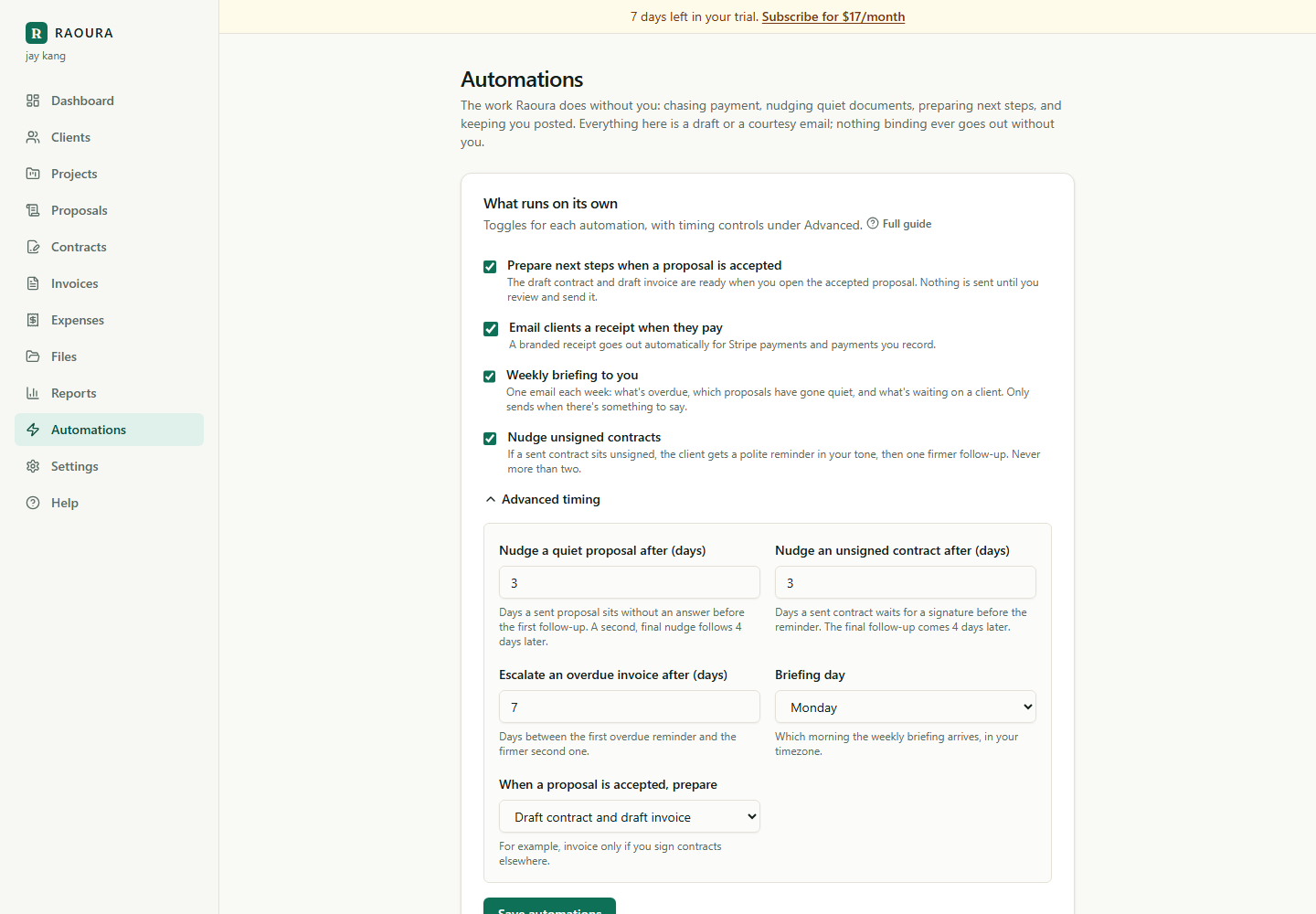
Set your reminders once
Choose the cadence and the tone for invoice reminders, proposal nudges, and milestone follow-ups. You set it once and the app follows it from then on.
Let it do the chasing
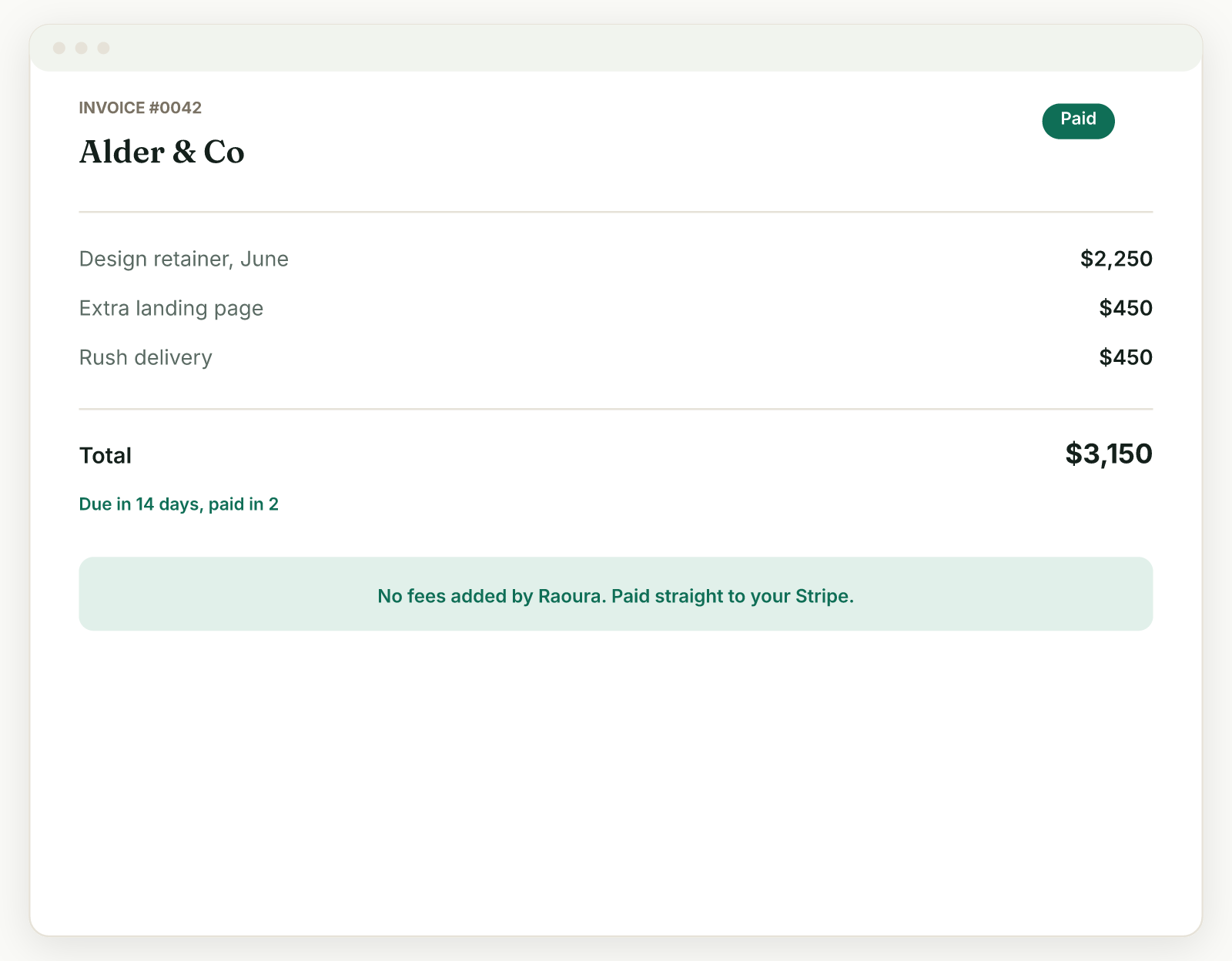
Overdue invoices, quiet proposals, and stages waiting on approval get nudged on time and in your voice, so you are not the one writing the same message again and again.
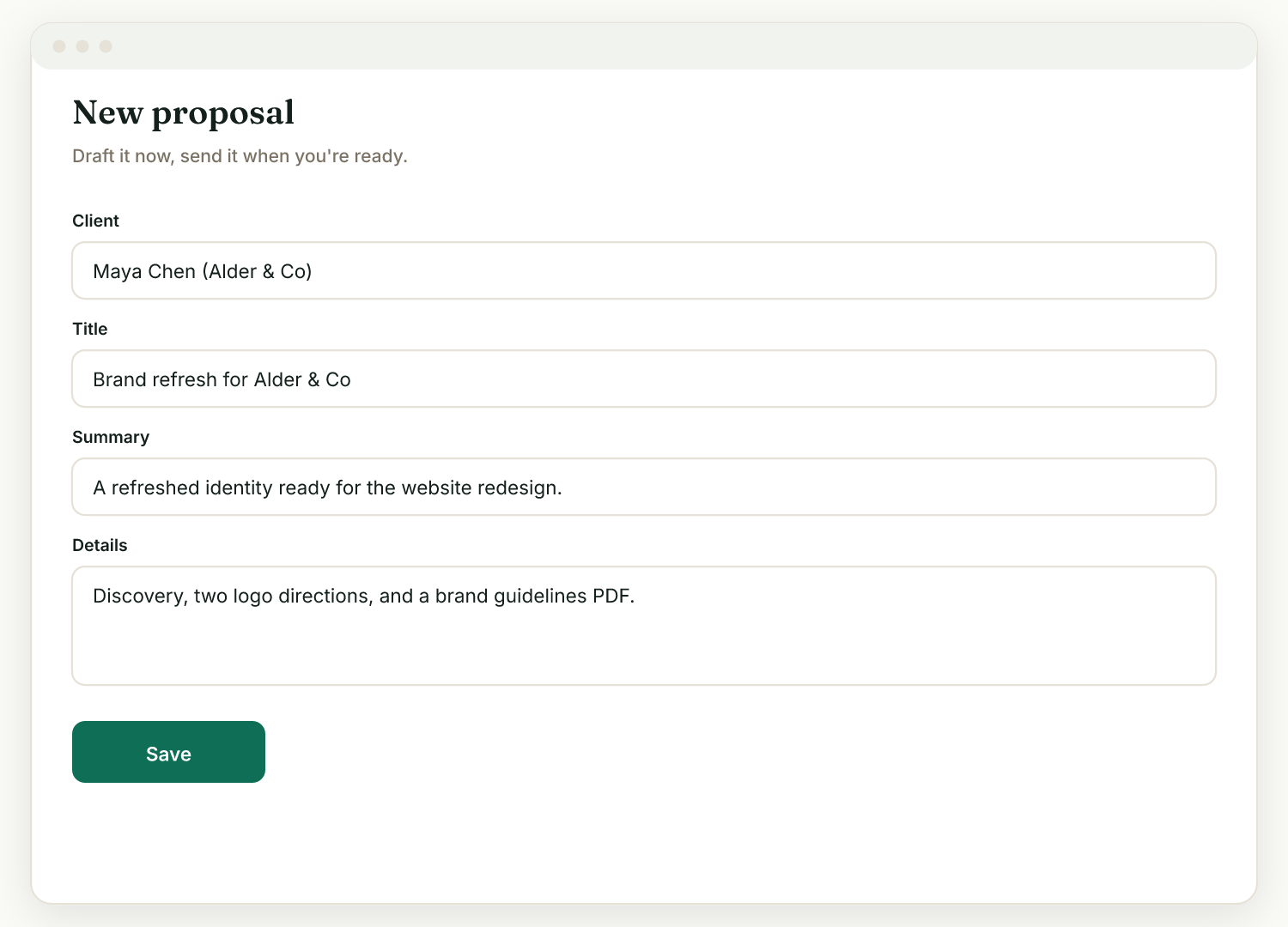
AI drafts, you decide
Draft a proposal from a few bullet points, or a reply to a tricky client message. Everything lands as a draft you can edit. Nothing goes out until you send it.
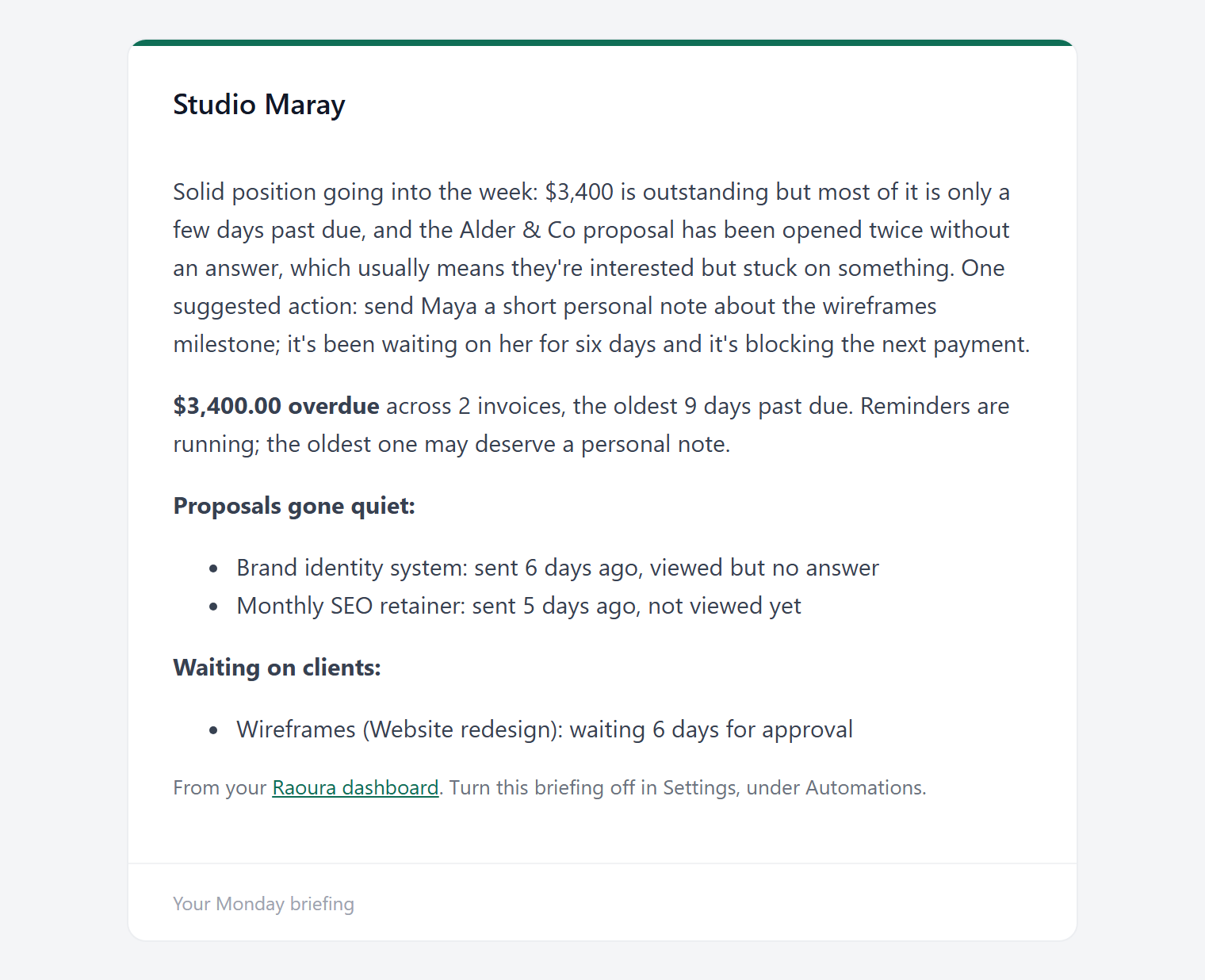
Start the week knowing what needs you
A short Monday briefing pulls together overdue money, proposals gone quiet, and milestones waiting on the client, so you open the week with a list instead of a hunch.
Automatic reminders
Nudges go out before, on, and after the due date, in tones from friendly to firm, with merge fields that fill in the client, amount, and dates for you. Pause them on any item at any time.
AI drafts, never actions
Draft proposal copy, a "what's not included" section, and replies to client messages. AI never sends an email or charges a card on its own; it produces a draft and you approve it.
A Monday briefing
Start the week with a short read on what actually needs you: overdue money, proposals gone quiet, and milestones waiting on the client.
Scope-creep check
When a client request drifts past what was agreed, AI can flag it, so you can catch a "quick favor" before it becomes free work.
Chains that fire on acceptance
When a client accepts a proposal, the follow-on work can be prepared for you: the contract, the project, and the deposit invoice, ready to review instead of rebuild.
Your calendar and Slack
Subscribe to a calendar feed of your due dates and milestones, and send alerts into a Slack channel, so the things that need you show up where you already look.
Because it is your name on every message and your bank account on every charge. Tools that act on their own save you a minute and cost you a relationship when they get it wrong. Raoura does the tedious part, the chasing and the first draft, and leaves the send button to you. AI here is metered fairly and included in the plan, with no separate bill.
Frequently asked questions
Does the AI cost extra?
No. AI is included in the flat plan and metered fairly, with credit packs available if you want more. There is no separate AI subscription.
Will Raoura email my clients without me?
No. Reminders follow the schedule you set, and every AI output is a draft. Nothing reaches a client until you send it.
Can I change the tone of reminders?
Yes. Pick a tone from friendly to firm, edit the templates, and use merge fields so each message is personal.
Can I turn reminders off for one client?
Yes. Pause them on any single invoice or document without changing your defaults, for the client you would rather chase yourself.
Take the busywork off your plate without handing over the wheel. Let Raoura chase and draft, while you stay the one who decides.
Start your 14-day free trialNo credit card required.