Contracts and e-signature
Get it in writing, signed today
Send a branded contract your client signs by typing their name. Raoura records the signature with an audit trail and shows you when it was viewed and signed.
Most freelancers know they should get a signature before starting work. Then reality hits: a separate e-sign tool is another subscription, printing and scanning is a chore for the client, and "just reply to this email to confirm" leaves you with a flimsy paper trail. So projects start on a handshake, and when scope or payment gets disputed, you have nothing to point to.
How it works
Create the contract
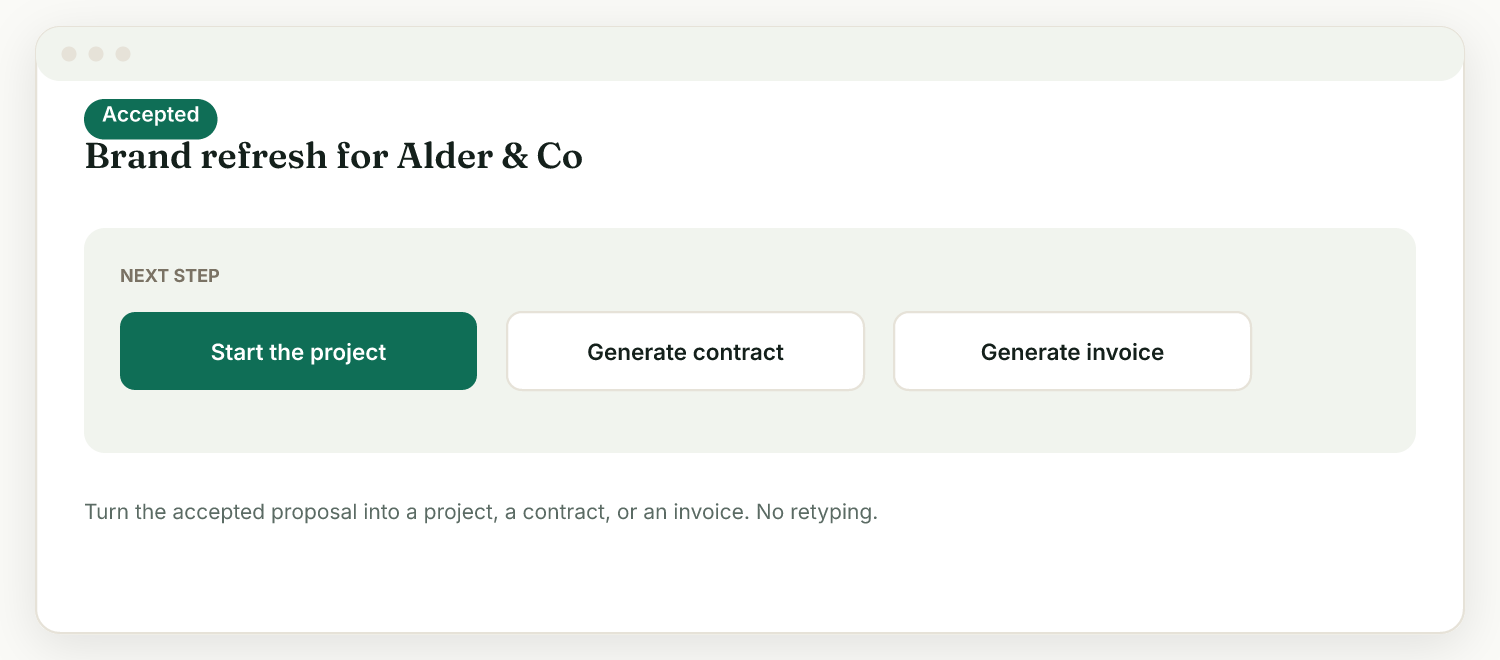
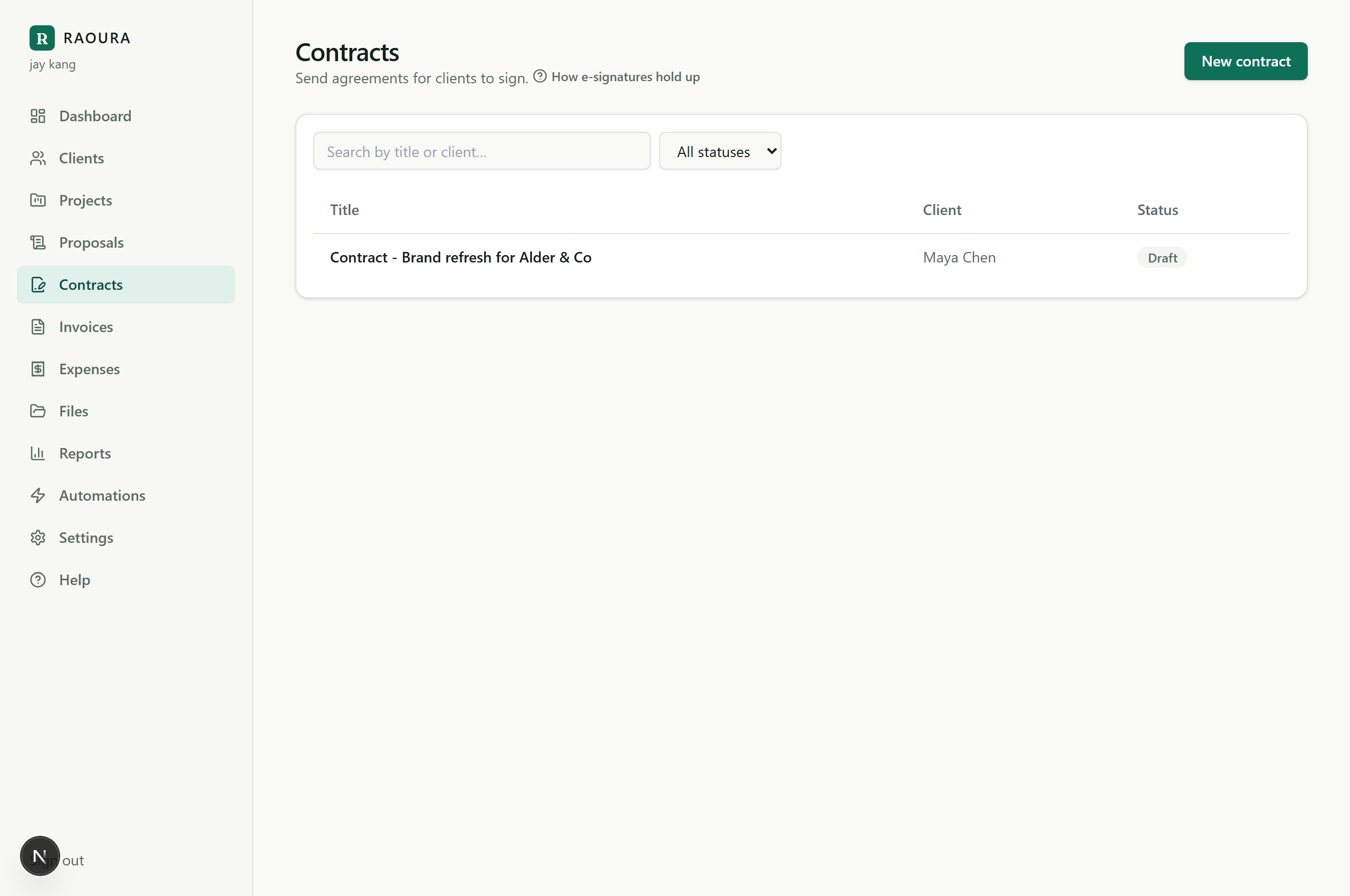
Write a new contract or generate one straight from an accepted proposal, so the terms match what the client already agreed to.
Send the link
Your client gets a link to a branded contract page that uses your logo, color, and font, the same look as your proposals and invoices.
The client signs by typing their name
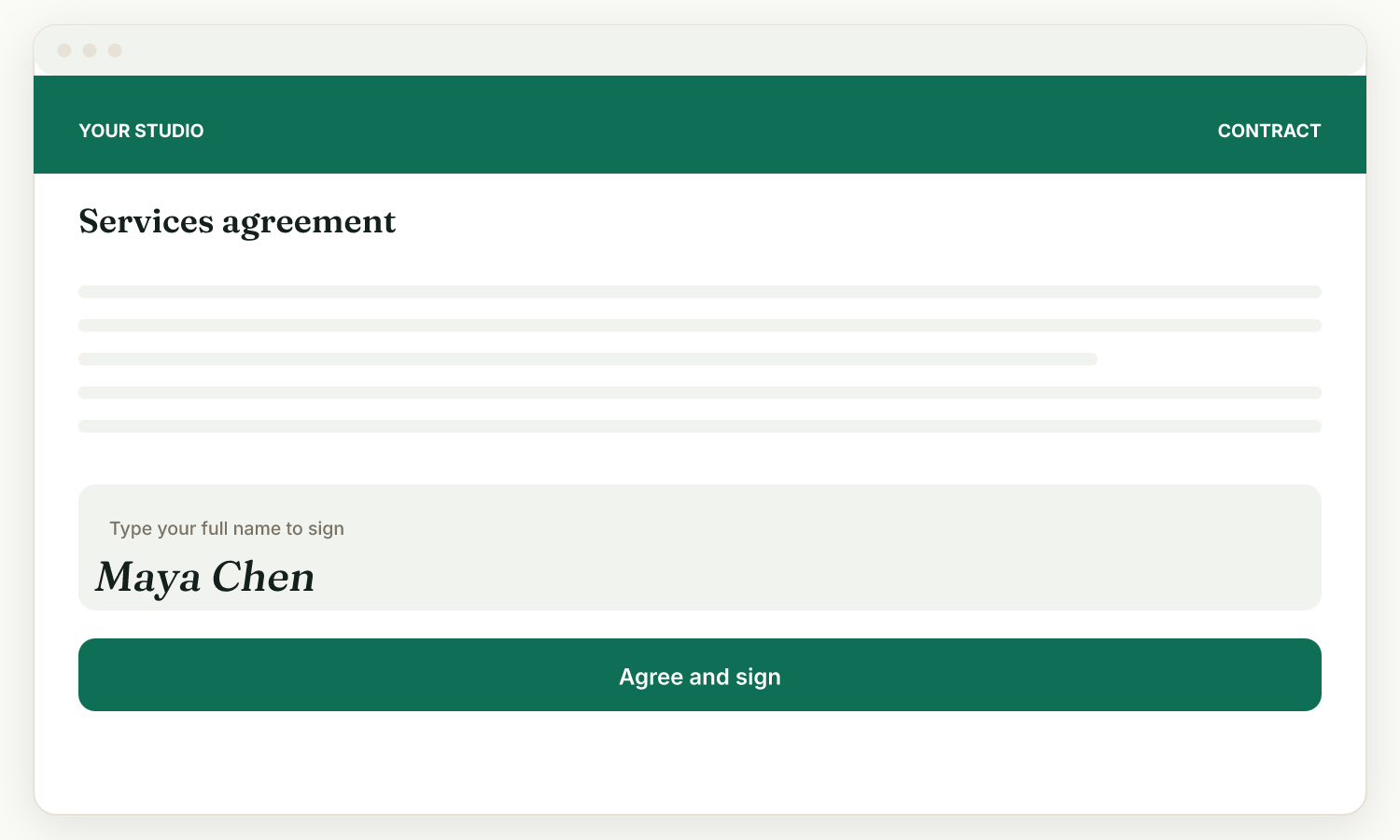
They read the contract and sign electronically by typing their name and agreeing. No printing, no scanning, no account to create.
You get the record
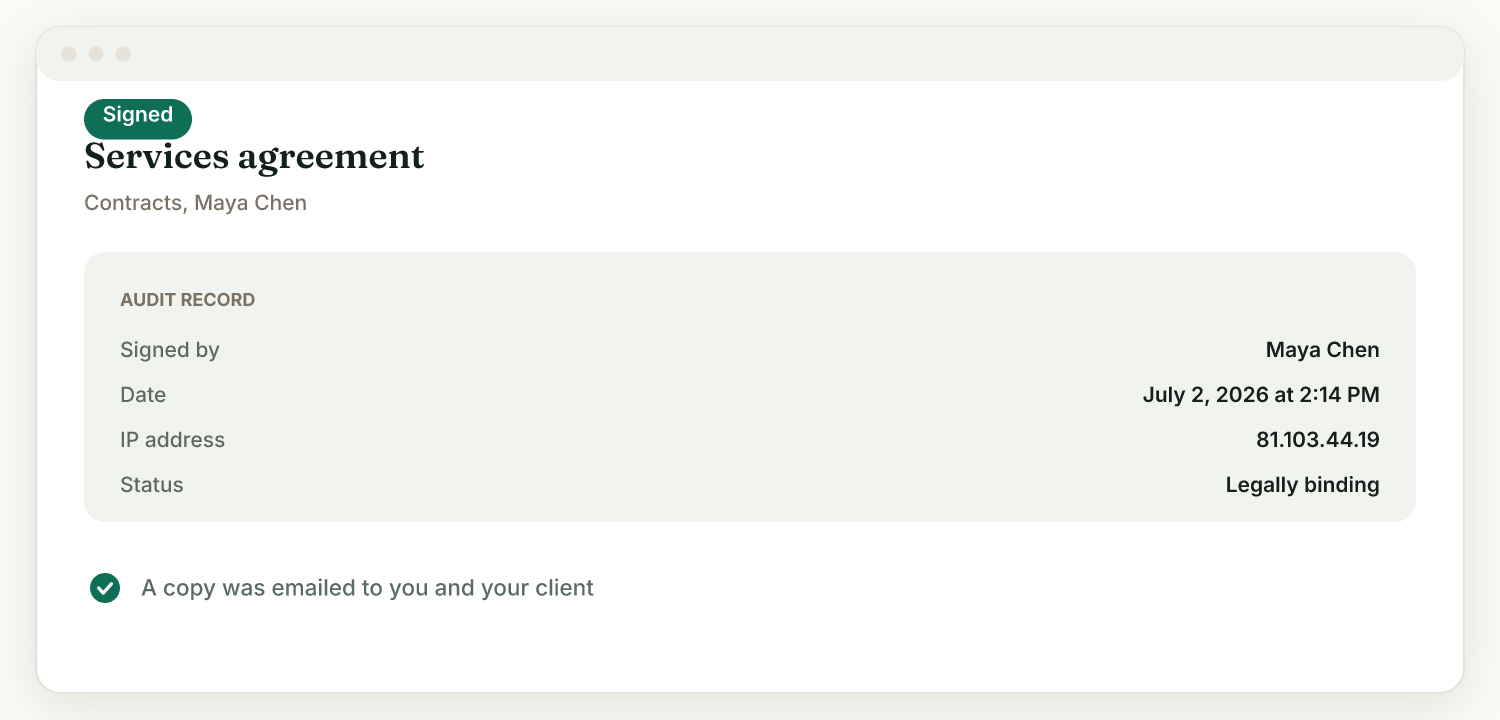
Raoura stores the signer's name, a timestamp, and their IP address as the signing audit record, and notifies you when the contract is viewed and when it is signed.
Typed e-signature, zero friction for clients
Clients sign by typing their name on the contract page. There is nothing to install and no account to set up, which means contracts get signed in minutes instead of sitting in an inbox.
An audit record with every signature
Each signing stores the typed name, the timestamp, and the signer's IP address. You can see when the client viewed the contract and when they signed it.
From accepted proposal to signed contract
When a client accepts a proposal, the same screen offers "Generate contract". The agreement flows from the terms the client already said yes to, with no re-entry.
Branded like the rest of your client pages
The contract page uses the brand you set once in Settings, Brand: your logo, accent color, heading font, and theme. To the client, it all looks like your business, not a third-party tool.
Part of one flow, not a separate tool
The signed contract lives in the client's portal next to their proposals, invoices, and project. No separate e-sign subscription, no exporting signed PDFs into a folder somewhere.
Dedicated e-signature tools do one job well, but for a solo freelancer they mean another subscription, another login, and a signed PDF you then have to file and track yourself. In Raoura, the contract is generated from the accepted proposal, signed on a branded page, and stored in the same client portal as the invoice it leads to. One flat $17 per month covers proposals, contracts, invoicing, and the portal together, so the paper trail keeps itself.
Frequently asked questions
How do contracts work in Raoura?
Create a contract (often generated from an accepted proposal) and send the link. Your client opens a branded page, reads it, and signs electronically by typing their name. An audit trail is recorded and you see when they viewed and signed.
Are the electronic signatures legally binding?
Electronic signatures are widely recognized, but validity depends on your jurisdiction and the type of document. Raoura records an audit trail with each signing. For high-stakes contracts, confirm e-signing is appropriate where you operate.
Can I turn an accepted proposal into a contract?
Yes. Once a client accepts a proposal, that screen offers a "Generate contract" button, alongside options to start the project and generate an invoice.
Will I know when my client signs?
Yes. Turn on activity notifications in Settings and you get an email when a client signs a contract, accepts a proposal, or pays an invoice.
Every project deserves a signed agreement, and getting one should take minutes, not a week of nudging.
Start your 14-day free trialNo credit card required.