Proposals
Send a proposal your client says yes to
Build a branded proposal in minutes, from a template, an AI draft, or a PDF you already wrote. Your client reviews it online, accepts by typing their name, and can pay a deposit on the spot.
You land a lead, then lose an evening fighting a Google Doc into shape. You export a PDF, email it, and hear nothing. Did they open it? Did it look broken on their phone? Should you follow up, or is that pushy? For a solo designer, developer, or consultant, every hour spent formatting a proposal is an hour you cannot bill.
How it works
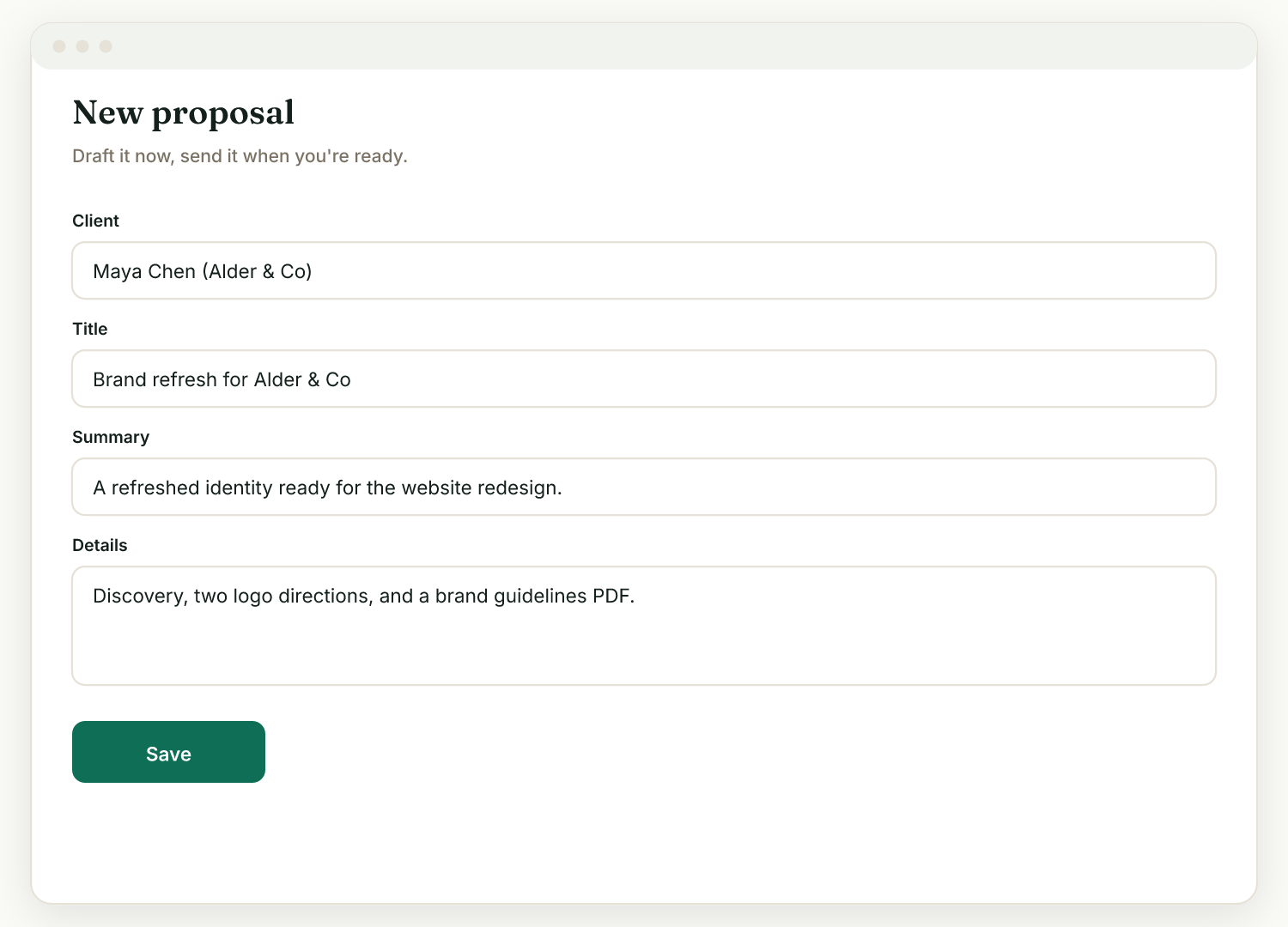
Start from a template, an AI draft, or your own file
Pick a starter template (Website design, Brand/logo, Photography, Social media, Consulting), or type a few lines about the job and let AI draft the summary, details, out-of-scope section, and pricing lines. You can also import a .docx, PDF, or text file you wrote elsewhere.
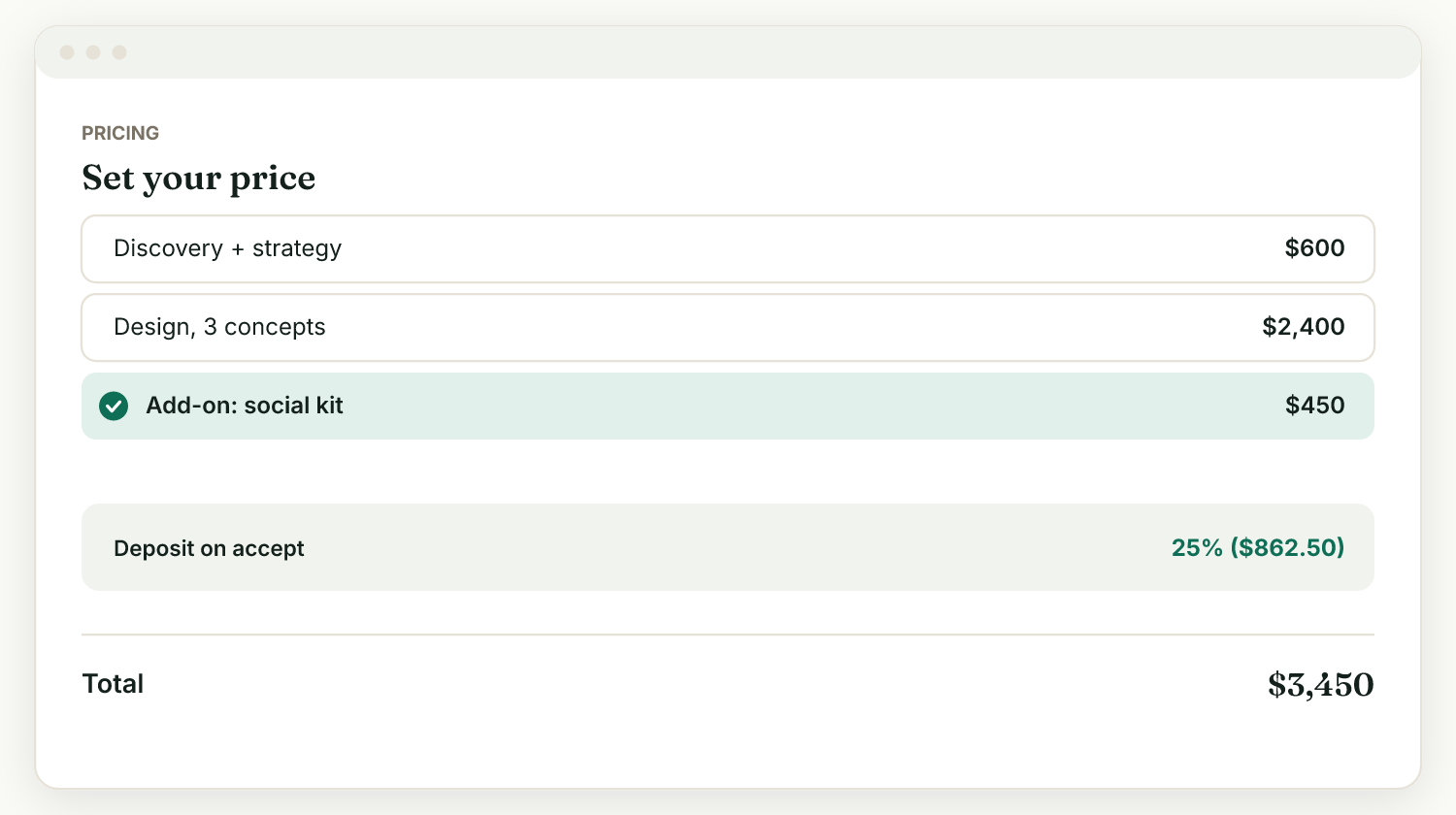
Set pricing, add-ons, and a deposit
Add pricing line items, mark any line as an optional add-on the client can toggle, and set a deposit on accept if you want money before work starts.
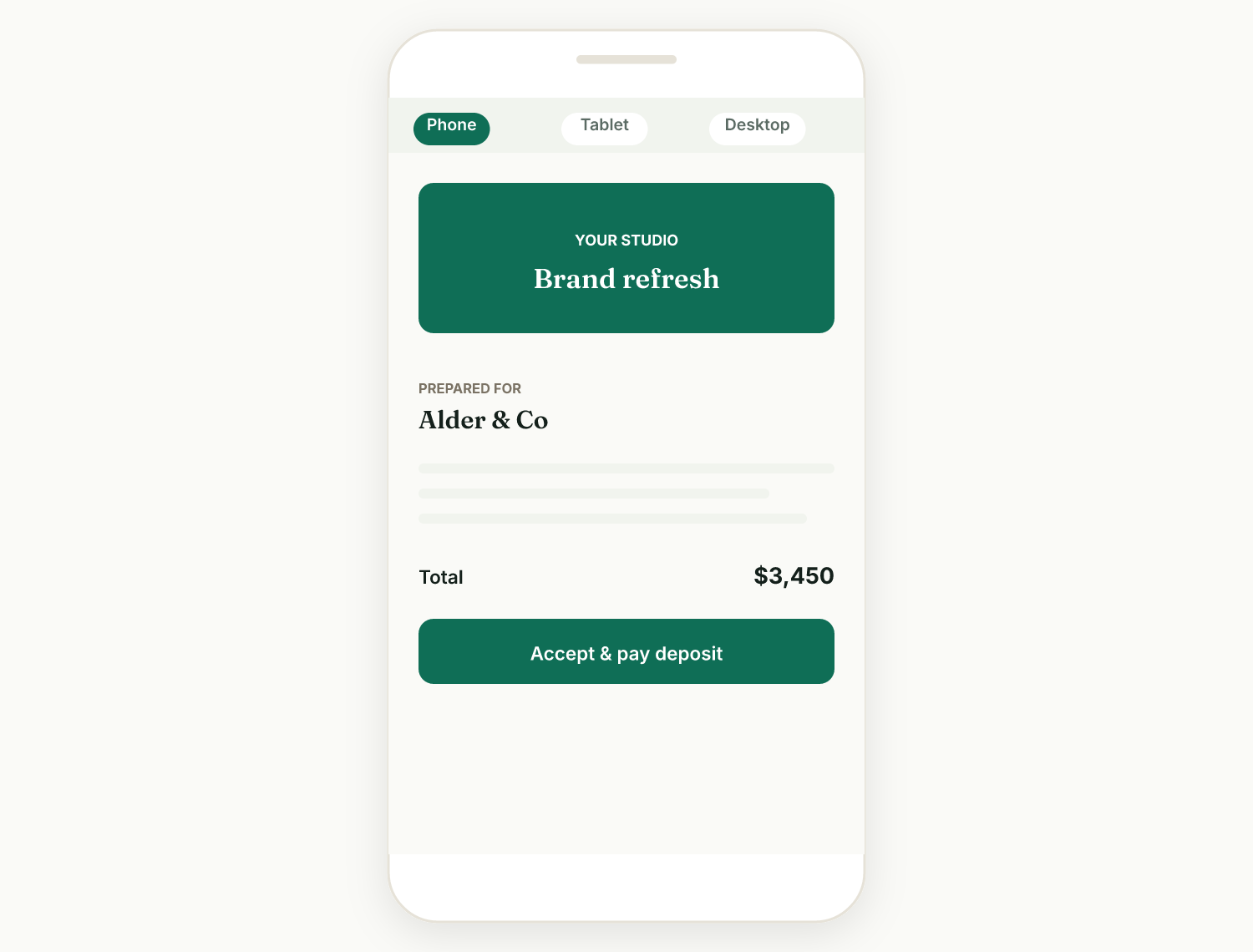
Preview it on every screen size
Flip the Edit / Preview toggle to see exactly what your client will see, with Phone, Tablet, and Desktop buttons and a rotate control. No more "it looked fine on my laptop."
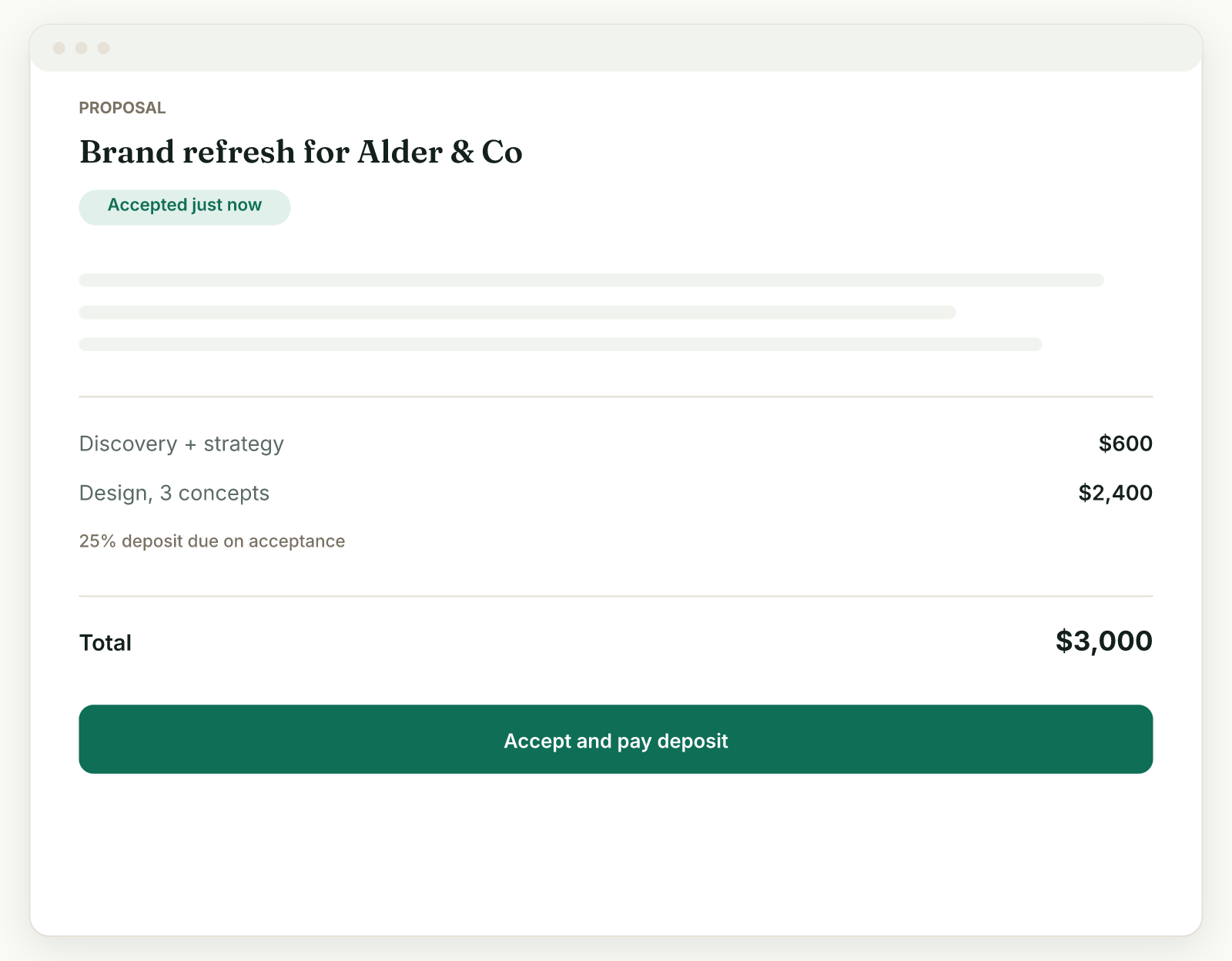
Send it and get a yes
Your client opens the link, reviews the proposal, picks their add-ons, and accepts by typing their name. If you set a deposit and connected Stripe, the button becomes "Accept & pay" and they pay immediately. You then turn the yes into a project, contract, or invoice in one click.
Templates that give you a head start
Five starter templates fill in the summary, details, and pricing for common freelance work: website design, brand and logo, photography, social media, and consulting. Edit everything after, nothing is locked.
AI drafting from a short brief
Describe the job in a few lines and AI drafts the summary, body, a "what's not included" section, and suggested line items. You edit before anything goes out; AI never sends on its own. Each draft uses one AI credit (10 per month on trial, 30 per month on the paid plan).
Bring your own proposal
Already designed a proposal in another tool? Upload it as a PDF and Raoura wraps it with online accept, deposit payment, e-sign, and project tracking. Or import a .docx, PDF, HTML, or text file and Raoura rebuilds the content in your branded template.
Your brand on every proposal
Set your logo, accent color, heading font, and theme once in Settings, Brand, and every proposal uses them. Paste your website address and Raoura can match your brand automatically from your live site.
Scope creep protection built in
A dedicated "What's not included" field puts a clear out-of-scope box in front of the client before they accept. It is the cheapest insurance against "one quick favor" requests, and AI drafts fill it in for you.
Deposits and automatic follow-ups
Require a deposit on accept and get paid straight to your own Stripe account the moment the client says yes. If a client goes quiet, optional follow-up reminders nudge them on day 3 and day 7, in a tone you choose.
A PDF attachment is a dead end. You cannot see whether it was opened, the client cannot accept or pay from it, and every revision means another attachment in a growing thread. A Raoura proposal is a live branded page: the client reviews, picks add-ons, accepts, and pays the deposit in one visit, and you see the whole thing happen. If you love designing proposals in your own tool, keep doing it, upload the PDF and Raoura adds the accept, pay, and tracking layer on top.
Frequently asked questions
Can AI write my proposal?
Yes. Give it a short brief and it drafts the summary, body, a "what's not included" section, and suggested line items for you to edit. Each draft uses one AI credit: you get 10 per month on the trial and 30 per month on the paid plan, and packs are available (25 for $5, 100 for $15).
How does my client accept a proposal?
They open the link you send, review the proposal, and accept by typing their name. No account and no password needed. If you set a deposit, they can pay it right away.
Can I take a deposit before starting work?
Yes. Set a deposit on the proposal and, with your Stripe account connected, the client pays it immediately on accepting. The money goes straight to your Stripe account; Raoura takes no cut.
Can I edit a proposal after sending it?
Yes. Open it and click Edit; changes save to the same client link. Editing locks once the proposal is accepted or declined, so the record stays accurate.
Stop rebuilding proposals from scratch for every lead. Send one clients can accept and pay in a single visit.
Start your 14-day free trialNo credit card required.