For consultants
Proposals, retainers and invoicing for independent consultants
Write the statement of work once, then let the retainer bill itself every month.
Right now you probably use A Word document, a Stripe payment link, and a calendar reminder to invoice on the first of the month.
How a job runs
- 1Discovery. Send a short questionnaire before the call so you turn up knowing the problem.
- 2Scope. The SOW goes out with phases, what is out of scope, and two or three pricing options.
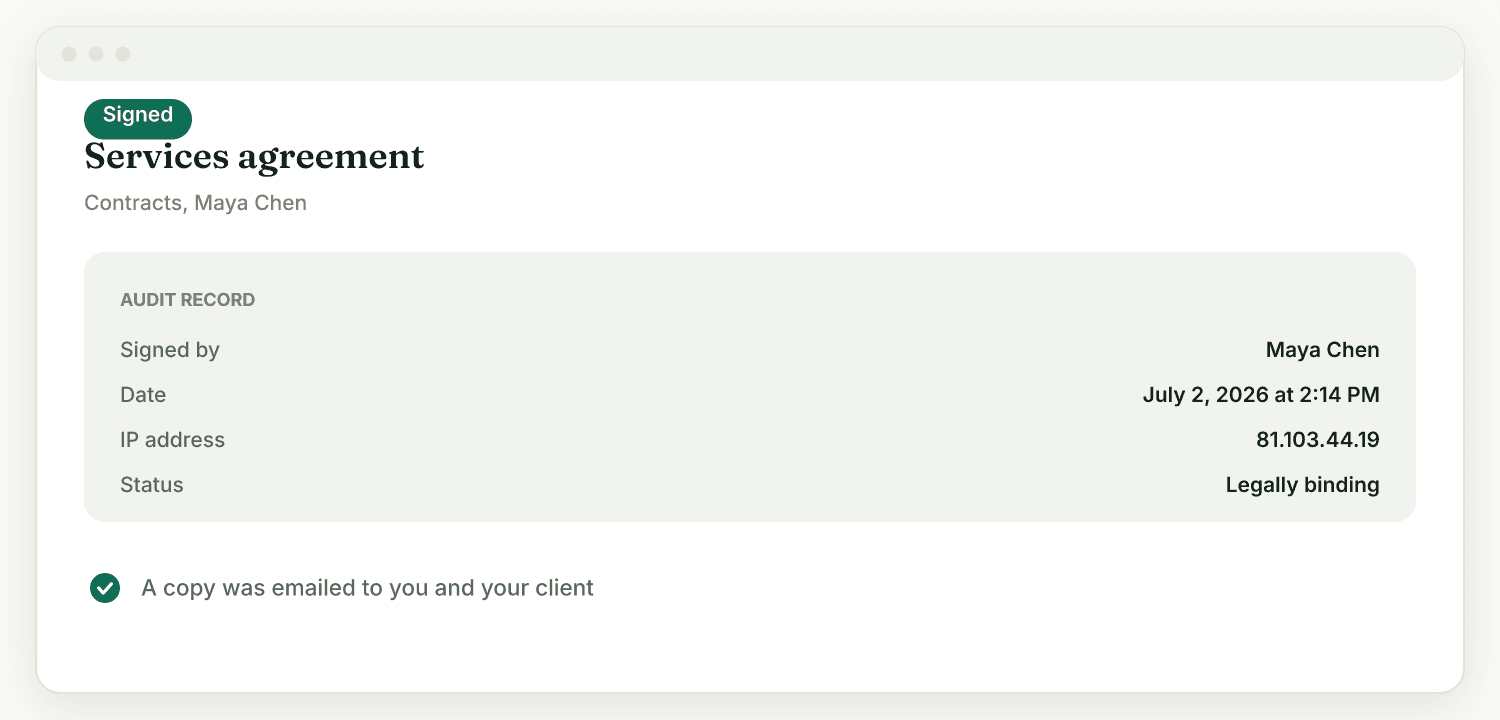
- 3Signature. They accept, sign the agreement, and the first invoice is already drafted.
- 4Delivery. Milestones, or a monthly retainer that mints and sends itself.
- 5Renewal. The retainer keeps running until you stop it, including charging the card automatically if the client authorised that.
What it looks like
What it fixes
Every engagement starts by copying last month's SOW and editing the parts that changed.
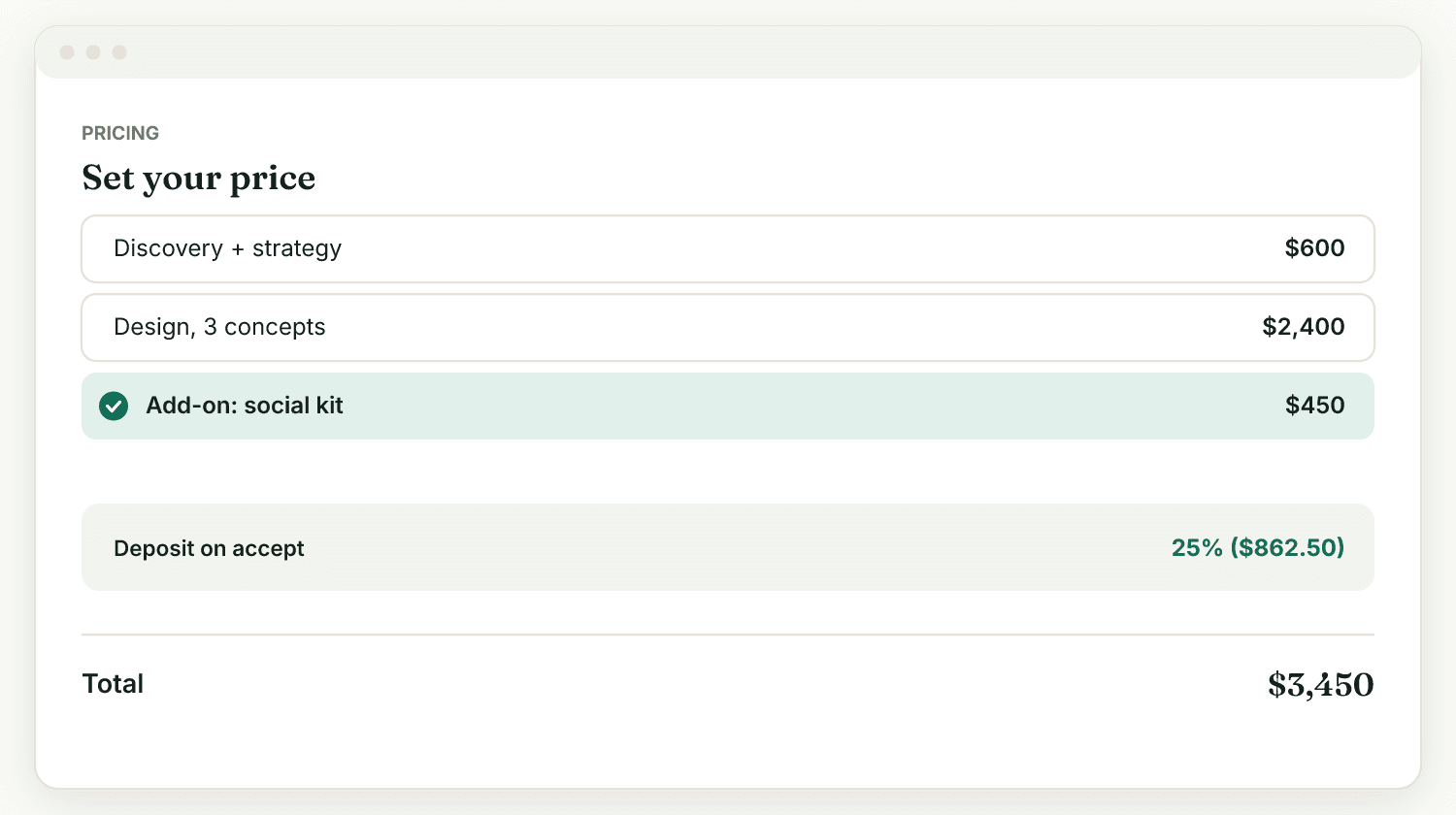
Proposals are reusable documents with your own tiers and terms. Accepting one can prepare the contract and the first invoice in the same step.
Retainers get invoiced late, because invoicing is the last thing anybody feels like doing on the first of the month. So it slips.
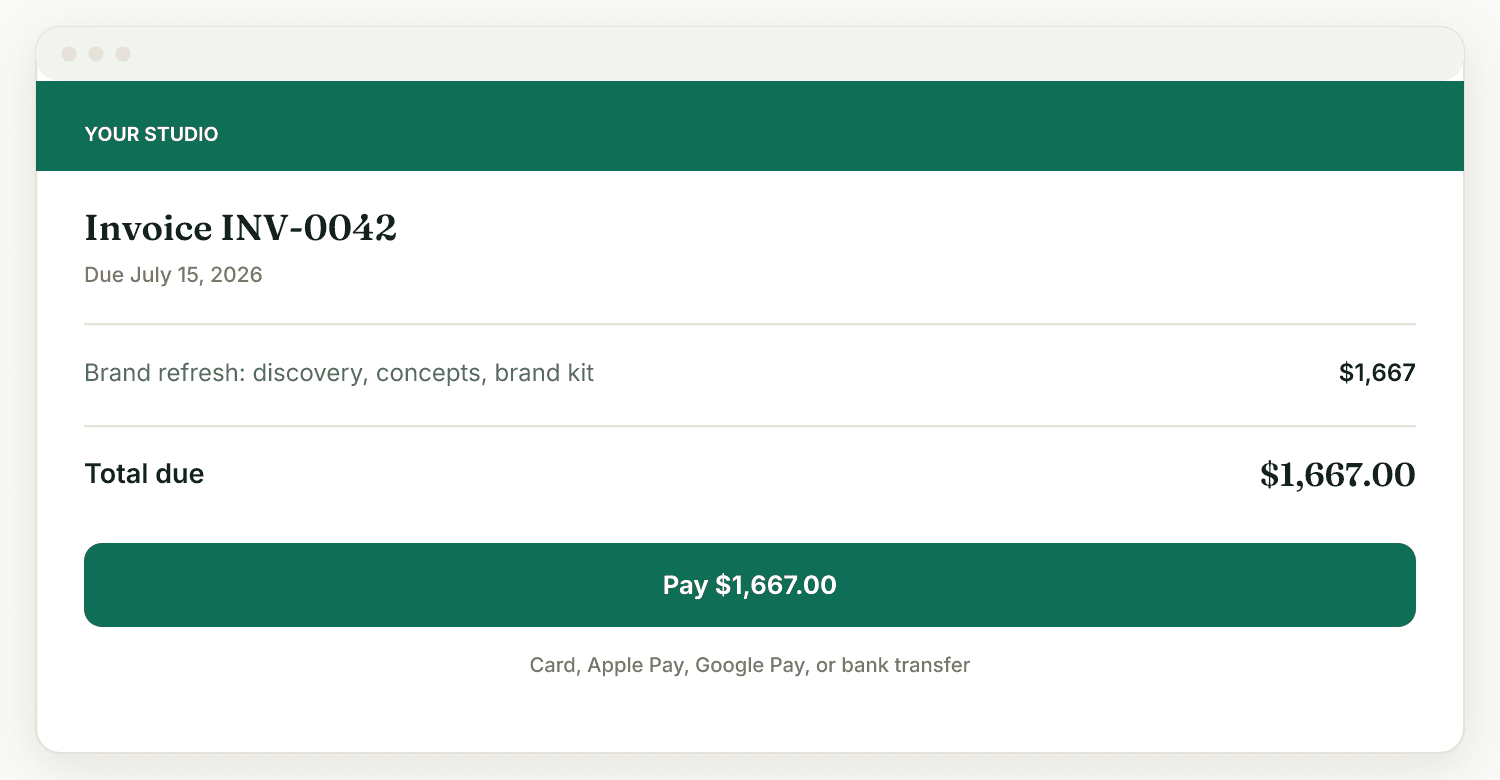
Recurring invoices issue on the date you choose. With autopay authorised, the card is charged and you find out because the money arrived.
A solo consultant sending a Word document and a payment link looks smaller than the firms quoting against them. Often much smaller.
Everything the client sees is on your domain, in your colours, with your name on the sender. Raoura's name is nowhere on it.
What we call things
The app does not use every word you do. Here is the translation, so nothing is a surprise after you sign up.
- Statement of work
- ProposalScope, phases, pricing tiers, accepted with a signature.
- Engagement
- Project
- Retainer
- Recurring invoiceIssued monthly on a date you set.
I bill by the hour. Does it track time?
Yes, and the timer is a database row rather than a running program, so closing the tab does not lose it and you can stop it from your phone. Entries carry their rate at the moment they were billed, so changing your rate later cannot rewrite an invoice you already sent.
What Raoura will not do
- One login. No associates, no shared inbox, no assigning work to somebody else.
- No CRM pipeline with stages and forecasting. There are clients, notes, and a follow-up date.
- No expense receipt scanning. Expenses are recorded by hand.
Questions
Can I bill a monthly retainer without touching it?
Yes. Set the amount and the day, and the invoice mints and sends itself. If the client has authorised autopay their card is charged too.
Can I charge a deposit before starting?
Yes. Put a deposit on the proposal and it is taken when they accept, so work begins after the money has landed rather than before.
Does the client need an account to see anything?
No. Every document opens from an unguessable link. If you would rather it were locked, you can require a sign-in per client.
Free tools, no signup
Free Invoice Generator
Make a clean, branded invoice PDF in a minute. No signup.
Hourly & Project Rate Calculator
Work out the billable rate that actually hits your income goal.
Free Service Contract & Agreement Generator
Generate a clean, custom client service agreement PDF in seconds.
Free Proposal & Scope of Work (SOW) Builder
Generate a professional, structured client scope & proposal document.
Built for one person doing the billing
If you are the only one sending the invoices, Raoura is $17 a month, flat, whatever you send and however many clients you have. Payments go straight to your own Stripe account and we never take a cut. Fourteen days free, no card.