Invoicing
Invoice in minutes, get paid without chasing
Build an invoice with line items, send it, and let your client pay online by card, Apple Pay, or Google Pay. The money goes straight to your Stripe account and Raoura takes no cut.
Invoicing is the part of freelancing that pays you, and somehow it is the part that gets postponed. You copy last month's invoice, fix the numbers, hope you caught them all, attach the PDF, and then start the awkward second job: remembering who has paid, who is overdue, and when it is socially acceptable to send the "just bumping this" email. Meanwhile some tools take a percentage of every payment on top.
How it works
Create the invoice
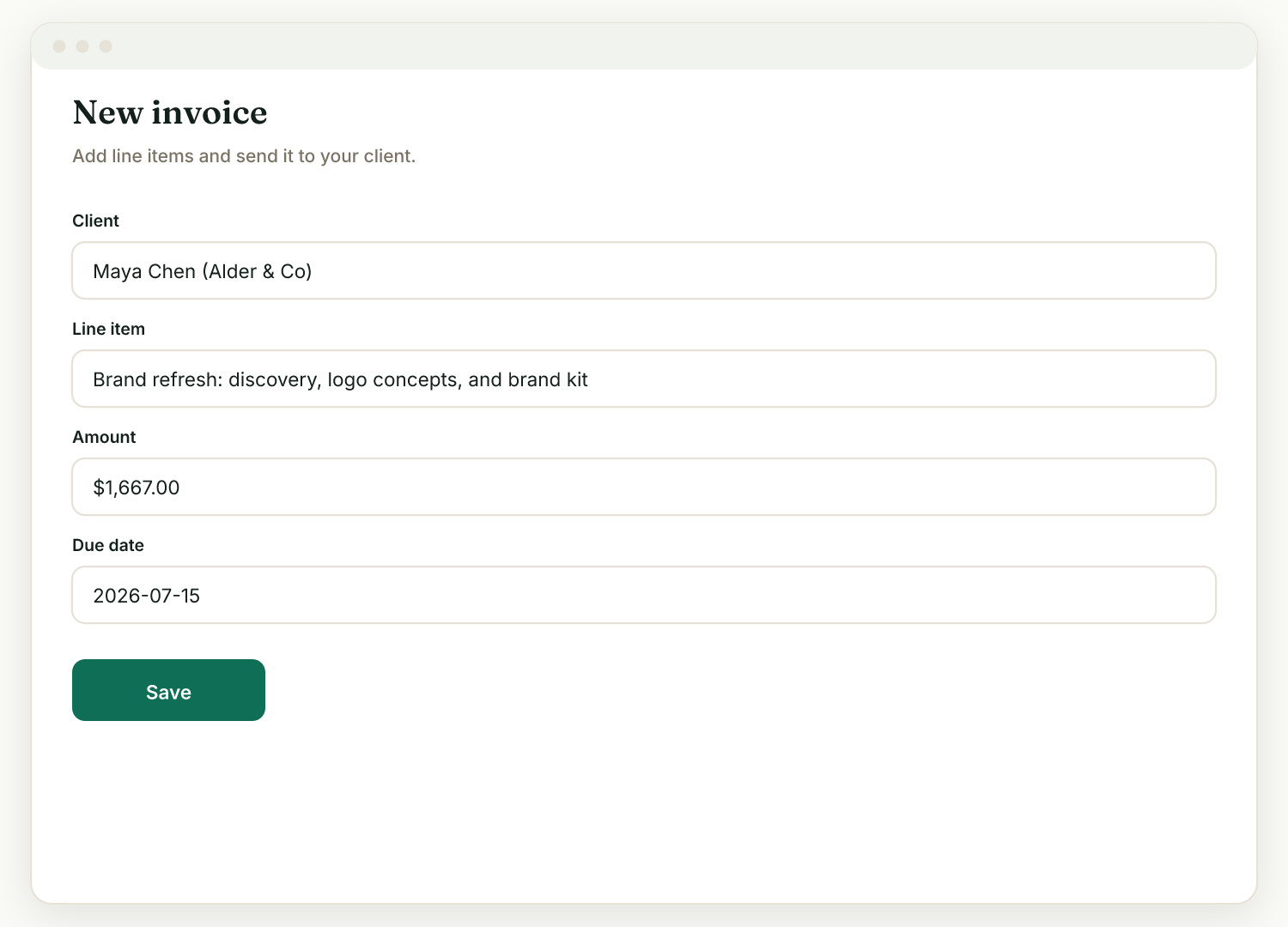
Go to Invoices, then New. Add line items, a due date, and any discount or tax. You can also generate an invoice directly from an accepted proposal.
Send it
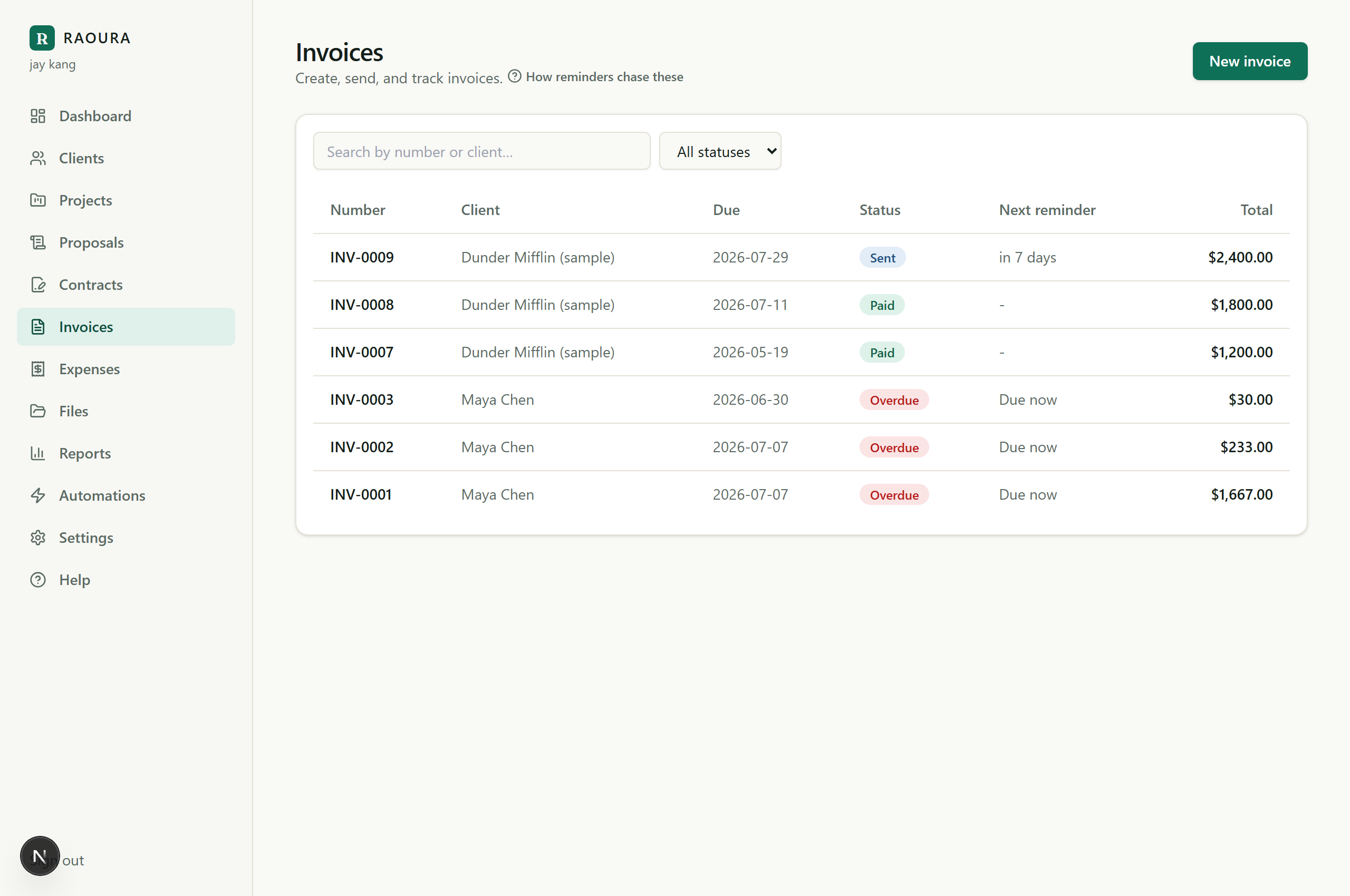
Send the invoice by email. Your client gets a link to a branded invoice page, and you can see its status move from draft to sent to paid.
The client pays online
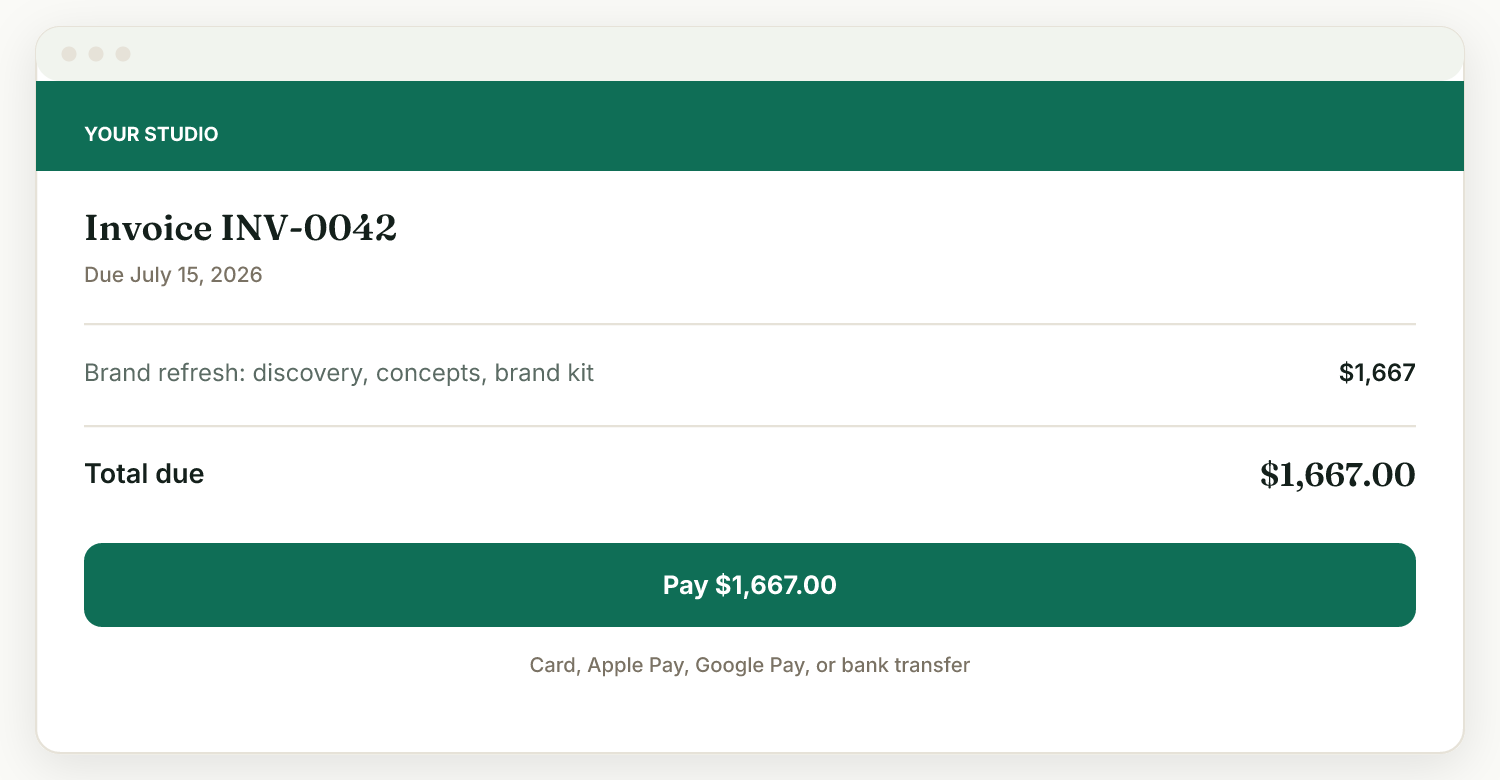
With your Stripe account connected, the client clicks Pay and pays by card, Apple Pay, or Google Pay. Payment lands in your own Stripe account. Prefer bank transfer or another method? Mark the invoice paid manually.
Overdue invoices chase themselves
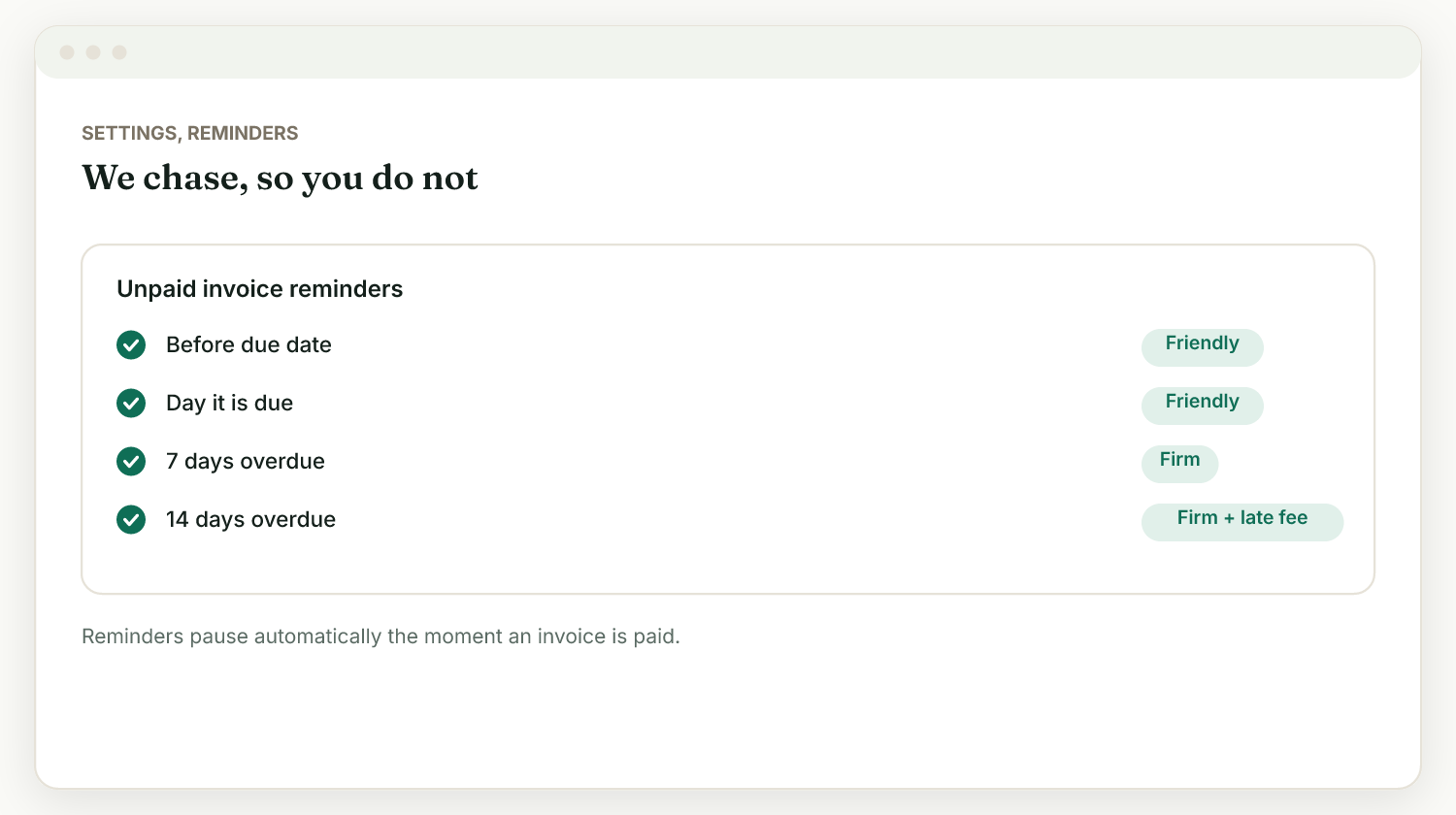
Automatic reminders nudge clients before the due date, on the due date, and when an invoice goes overdue, in a friendly or firm tone you choose. Pause reminders on any single invoice without changing your defaults.
Line items, tax, discounts, and PDF
Every invoice supports multiple line items, a discount, a tax field, a subtotal and total, and a due date, and is available as a PDF. Amounts are exact, with no rounding surprises.
Online payment with zero markup
Clients pay by card, Apple Pay, or Google Pay through your own connected Stripe account. Raoura never holds your funds and takes no commission; only Stripe's standard processing fees apply, as they would anywhere.
Deposits and payment plans
Take a deposit when a proposal is accepted, and set a payment plan on an invoice so the client pays in scheduled parts. Both are optional, so the simple one-payment path stays simple.
Any currency, per invoice
Currency is set per invoice and defaults to your account currency, so you can bill a client in their currency without changing your setup.
Overdue tracking and late-fee terms
Invoices move through a clear lifecycle (draft, sent, paid, overdue), so your dashboard always shows what is outstanding. You can also display a standard late-fee clause on invoices; Raoura shows the terms rather than auto-charging anything.
From proposal to invoice in one click
When a client accepts a proposal, the same screen offers "Generate invoice", so the amounts they agreed to become the bill, with no re-entry.
A homemade template works until it doesn't: a stale invoice number, a copy-paste price error, a PDF the client cannot act on, and a spreadsheet you must keep by hand to know who owes what. Raoura keeps the invoice, its status, and the payment in one place: the client pays online from the same link, the status updates itself, and reminders go out on schedule. You get the professionalism of an invoicing system without a percentage fee on your income or a suite of features you will never open.
Frequently asked questions
Does Raoura take a cut of what my clients pay me?
No. Raoura never holds your funds and takes no commission on client payments. Standard card-processing fees from Stripe still apply, as they would anywhere.
How do my clients pay me?
Connect your own Stripe account in Settings, then Payments. Clients can then pay invoices and deposits by card, Apple Pay, or Google Pay, and the money goes straight to your Stripe account.
Can clients pay in installments?
Yes. Set a payment plan on an invoice so the client pays in scheduled parts. You can also require a deposit on a proposal, paid right after the client accepts.
Can I add late fees?
Yes. In Settings, then Payments, you can show a standard late-fee clause on your invoices. Raoura displays the terms; it does not auto-charge a fee.
Send your next invoice from Raoura and let the follow-ups, statuses, and payment happen without you.
Start your 14-day free trialNo credit card required.