Your business report
How your business is doing, computed from the work you already track. Revenue trend, aging, win rate, and more.
Open Reports and the business report answers the question every freelancer asks: how am I actually doing? There is nothing to set up or import; every number derives from the invoices, payments, and proposals already in Raoura.
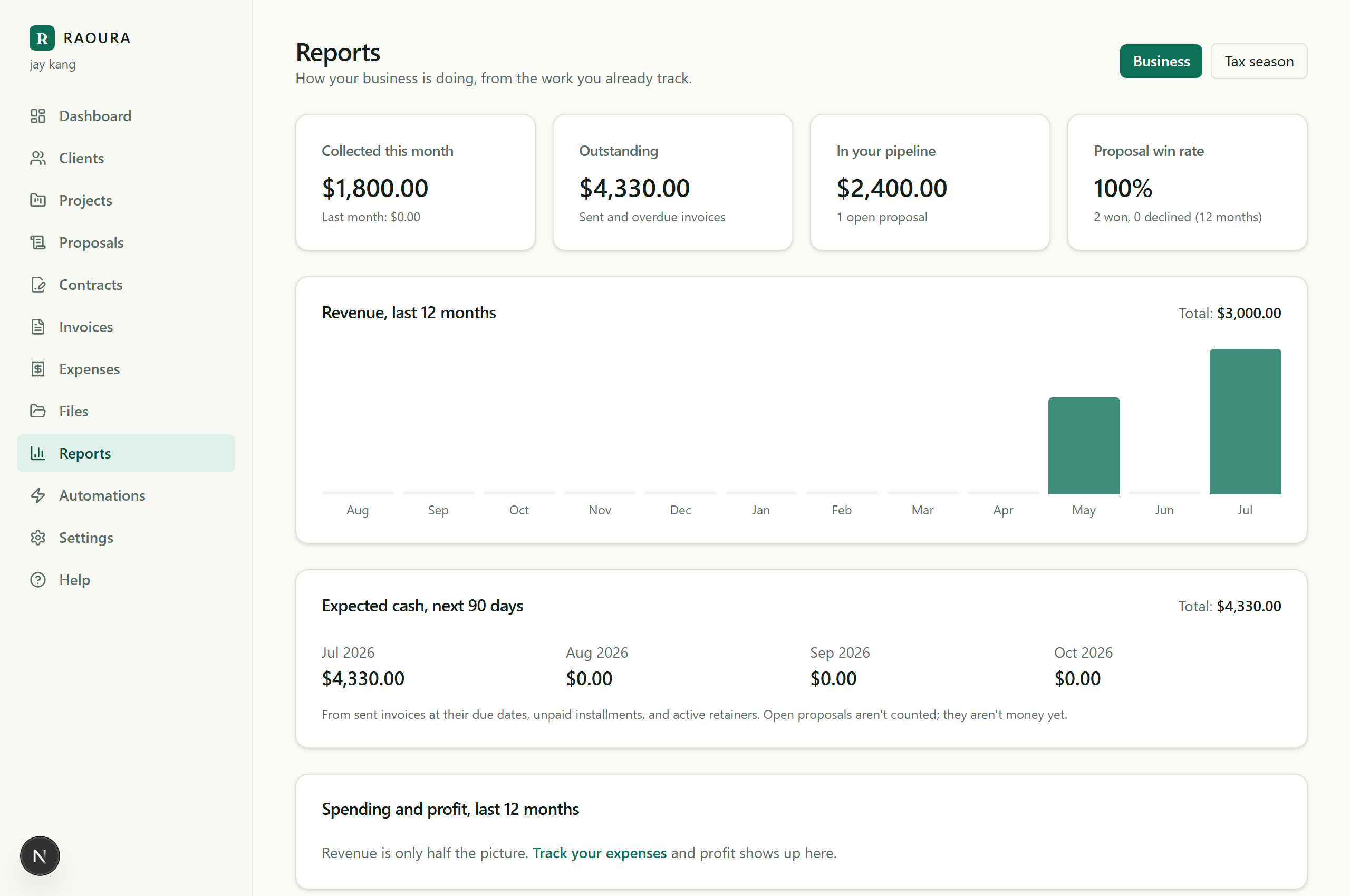
What it shows#
- Collected this month, with the change against last month.
- Outstanding: everything sent and unpaid, broken down by how late it is (not yet due, 1 to 30 days, 31 to 60, over 60).
- Your pipeline: the value of proposals waiting for a decision.
- Proposal win rate over the last 12 months, plus the typical time it takes to get a yes.
- Revenue, last 12 months: a month-by-month chart of what actually landed.
- Typical invoice and typical time to get paid. These are medians, not averages, because one big project should not distort your sense of normal.
- Client concentration: if one client is a large share of your year, the report says so, plainly. Healthy spread gets a nod too.
Why there is no profit number#
Raoura sees your revenue, not your costs, and a made-up "profit" would be worse than none. For taxes and accountant-ready exports, use the Tax season tab on the same page.
Reading it honestly#
A quiet month early in the calendar is not a crisis, and the report will not cry wolf: in the first week of a month it shows last month's total for context instead of a scary percentage. Watch the trend over quarters, not days.
Related: Export your data
Was this helpful?
Ready to try it yourself?
Raoura is one flat plan at $17/month, with a 14-day free trial and no credit card required.
Start free trial