Mark paid and receipts
What happens when an invoice is paid, and how to record payments made outside Raoura.
Paid is the state everything flows from: reminders stop, the portal tidies itself, and you get notified.
When a client pays online#
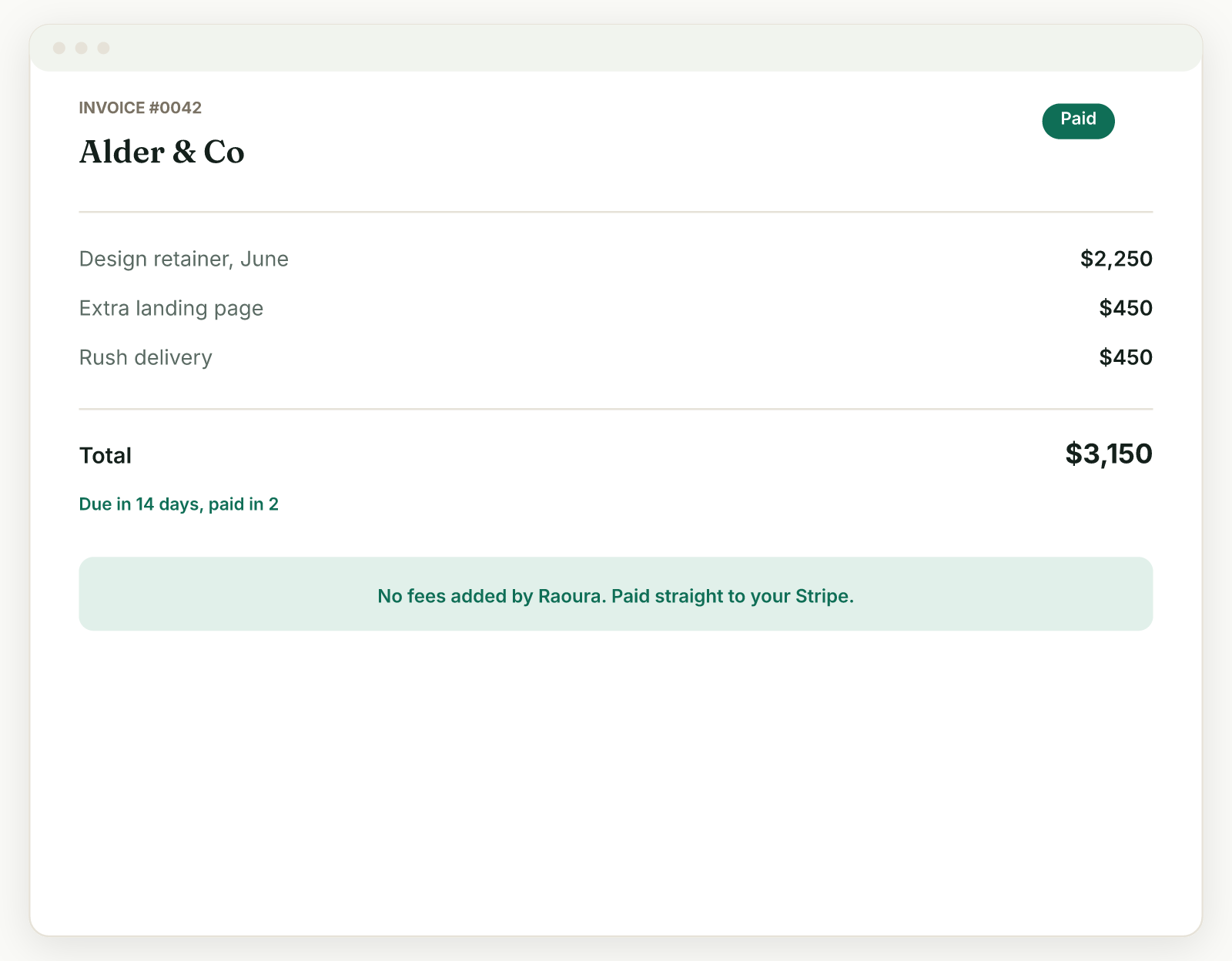
If the client pays through the invoice page or their portal (card, Apple Pay, or Google Pay via your connected Stripe account), the invoice is recorded as paid. You get an email if activity notifications are on (Settings, Account, Preferences).
If the client pays outside Raoura#
Some clients pay by bank transfer or another route outside the invoice page. Open the invoice and mark it paid so your records match reality: unpaid-invoice reminders for it stop, and it moves out of the client's "Needs your attention" section into their portal History.
Where paid invoices live#
On your side, the invoice shows as paid in your invoices list. On the client's side, it moves into the collapsed History section of their portal, alongside signed contracts and other finished items, so their hub stays tidy while the record stays available.
Receipts for your own Raoura subscription#
Looking for receipts for what you pay Raoura (rather than what clients pay you)? Those are in Settings, then Plan, then Manage billing: the Stripe portal holds your billing history and downloadable receipts.
Related: Get paid in the portal · Overdue invoices and reminders
Was this helpful?
Ready to try it yourself?
Raoura is one flat plan at $17/month, with a 14-day free trial and no credit card required.
Start free trial