Overdue invoices and reminders
Let Raoura chase unpaid invoices automatically, in your choice of tone.
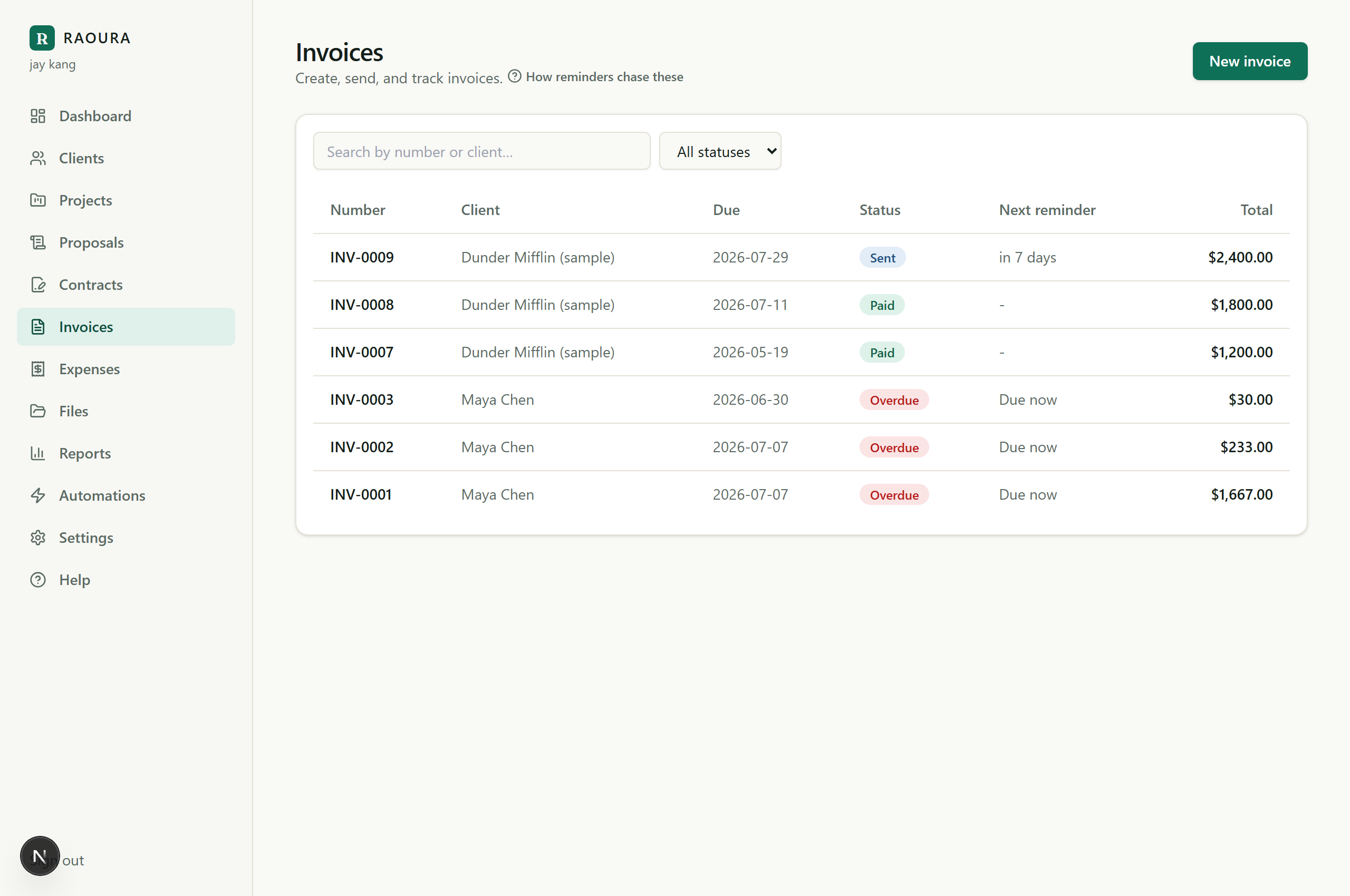
Raoura can chase unpaid invoices for you, so you never have to write the awkward "just following up" email again.
Turn on invoice reminders#
- Go to Settings, then Reminders.
- Turn on the Unpaid invoice reminders group. Reminders go out before the due date, on the due date, and when the invoice is overdue.
- Pick a friendly or firm tone, and preview the exact wording before anything sends.
Pause reminders for one invoice#
Sometimes you do not want to nudge (the client already promised payment, or it is a sensitive relationship). Open that invoice and pause reminders from its own page, without changing your account-wide defaults.
Requirements for reminders to send#
- Email must be set up on your workspace.
- The client must have an email address on their record.
If a reminder does not seem to be going out, check both of those first.
Late fees#
You can display a standard late-fee clause on invoices (Settings, then Payments). Raoura shows the terms to the client; it does not automatically charge the fee.
Related reminder types#
The same Reminders settings also cover proposal follow-ups and project milestone nudges (day 3 and day 7), each a separately labeled group you can switch on or off.
Related: Mark paid and receipts · Client did not get the email
Was this helpful?
Ready to try it yourself?
Raoura is one flat plan at $17/month, with a 14-day free trial and no credit card required.
Start free trial