Get paid in the portal
How clients find and pay your invoices from their portal or a direct link.
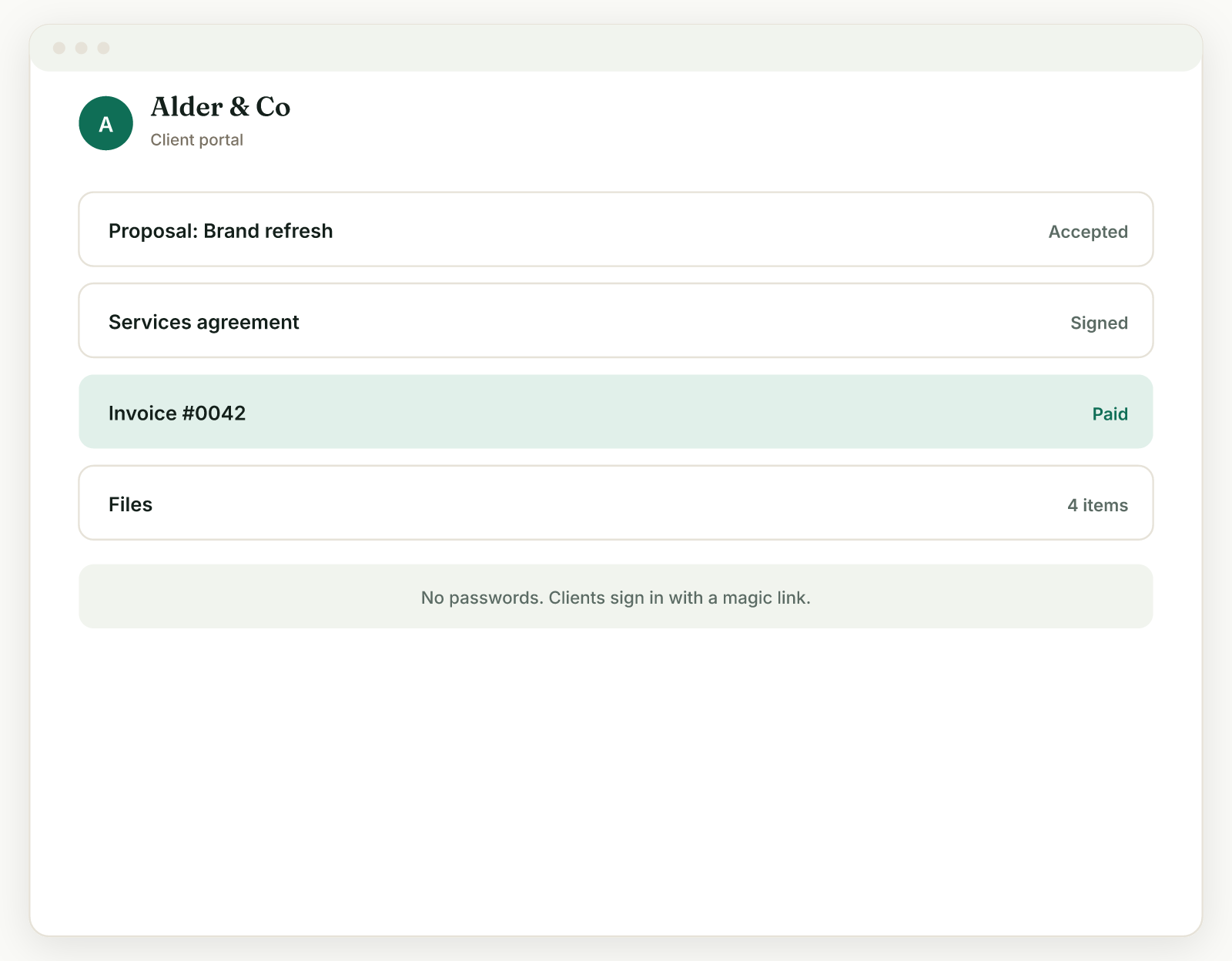
Your client can pay from two places: their portal hub, or the invoice's own direct link.
From the portal hub#
- The client opens their portal link (each client has exactly one).
- Invoices to pay sit at the top, in the Needs your attention section, so nothing gets buried.
- They open the invoice and click Pay.
From the direct link#
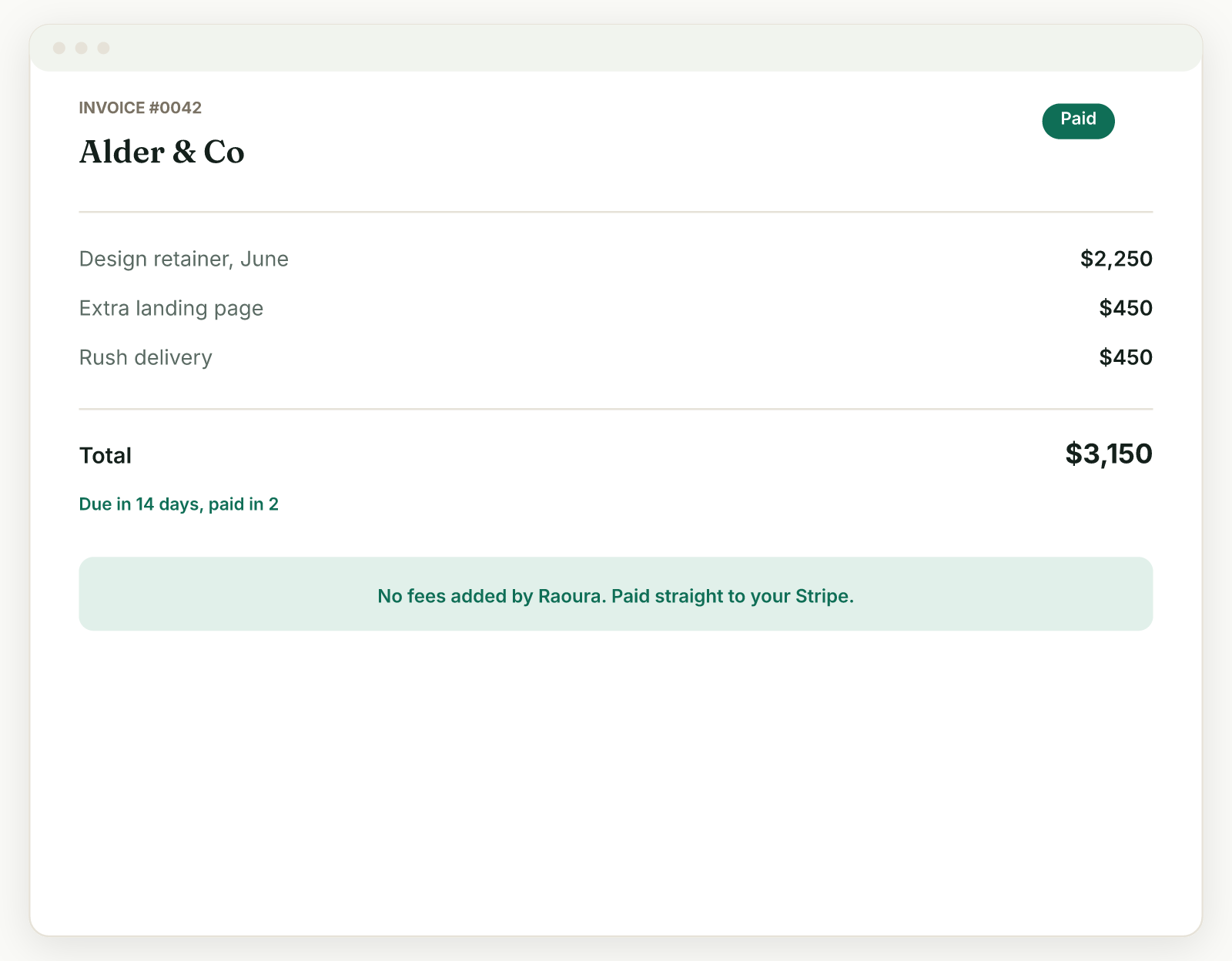
Every invoice also has its own link, handy for "pay this exact invoice" emails. The client opens it and pays right there.
How the payment works#
- Clients pay by card, Apple Pay, or Google Pay, processed securely by Stripe.
- Card details are never stored by you or by Raoura.
- The money goes directly to your connected Stripe account, which pays out to your bank on Stripe's normal schedule. Raoura takes no cut.
Once paid, the invoice moves into the collapsed History section of the portal, so the client's hub stays tidy.
Requirements#
Online payment appears once you have connected Stripe (Settings, then Payments) and finished its setup. Until then, clients can view invoices but cannot pay online.
Related: Connect Stripe · Mark paid and receipts
Was this helpful?
Ready to try it yourself?
Raoura is one flat plan at $17/month, with a 14-day free trial and no credit card required.
Start free trial