Add your first client
Add a client record so you can send them proposals, invoices, and a portal link.
Everything in Raoura hangs off a client record: proposals, contracts, invoices, projects, and the client portal all start here.
Add a client#
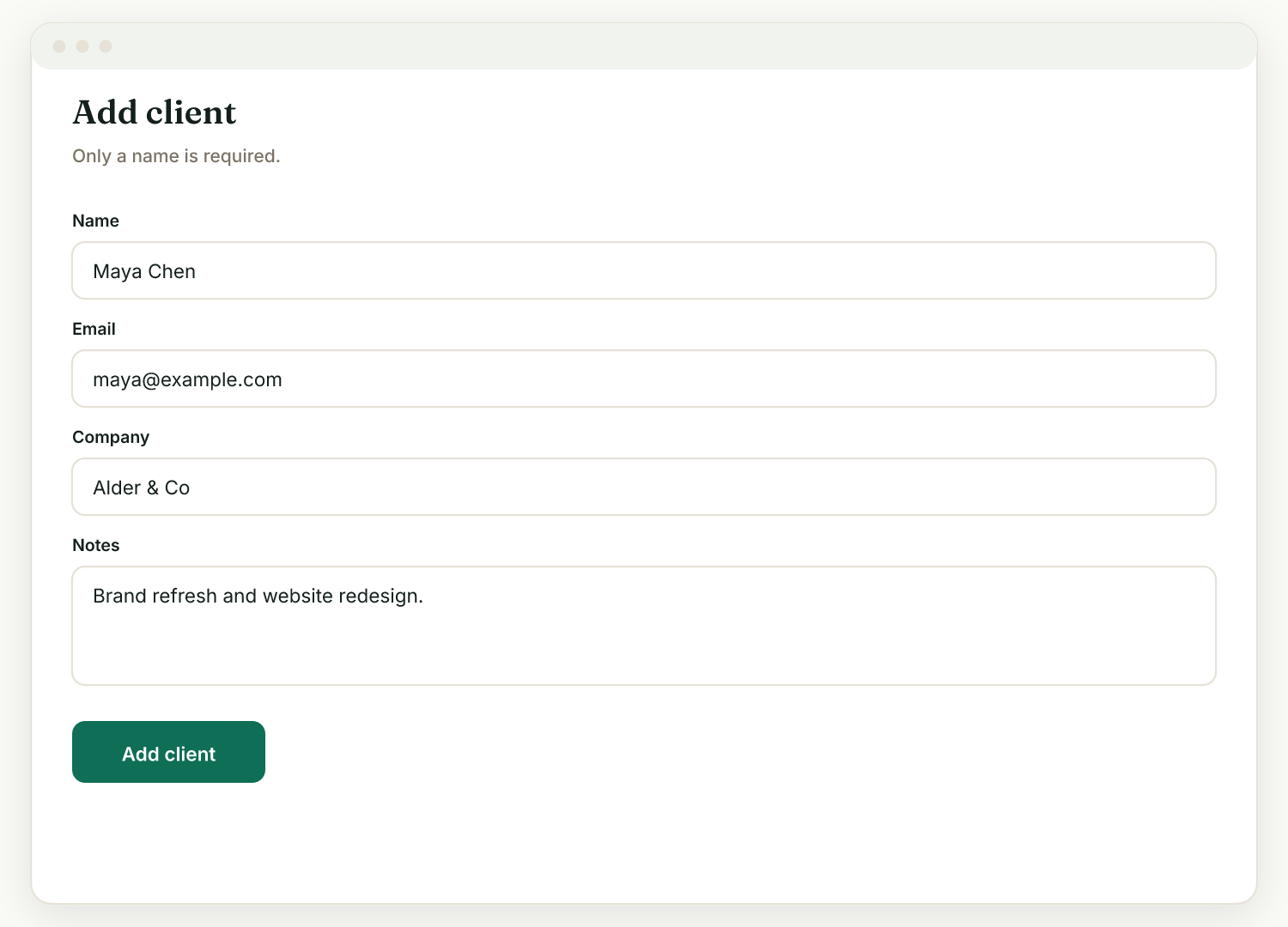
- Go to Clients and click New client.
- Enter the client's name and email address. The email matters: reminders and notifications can only send when the client has an email on their record.
- Save. The client appears in your clients list, ready to attach work to.
What happens automatically#
Every client gets a single branded portal link automatically, their one home for everything you share with them. You can find it on the client's page in the Client portal card, copy it to send, or click Open portal to see exactly what your client sees.
Next steps#
With a client in place, you can:
- Create a proposal for them (Proposals, then New proposal).
- Create a project with milestones (Projects, then New).
- Send them an invoice (Invoices, then New).
Each one appears on the client's portal, with a "Needs your attention" section at the top showing what they must act on now.
Related: Send your first invoice · Add and edit clients
Was this helpful?
Ready to try it yourself?
Raoura is one flat plan at $17/month, with a 14-day free trial and no credit card required.
Start free trial