Create an invoice
Build and send an invoice your client can pay online.
Invoices in Raoura are branded pages your client can open and pay online once you have Stripe connected.
Create one#
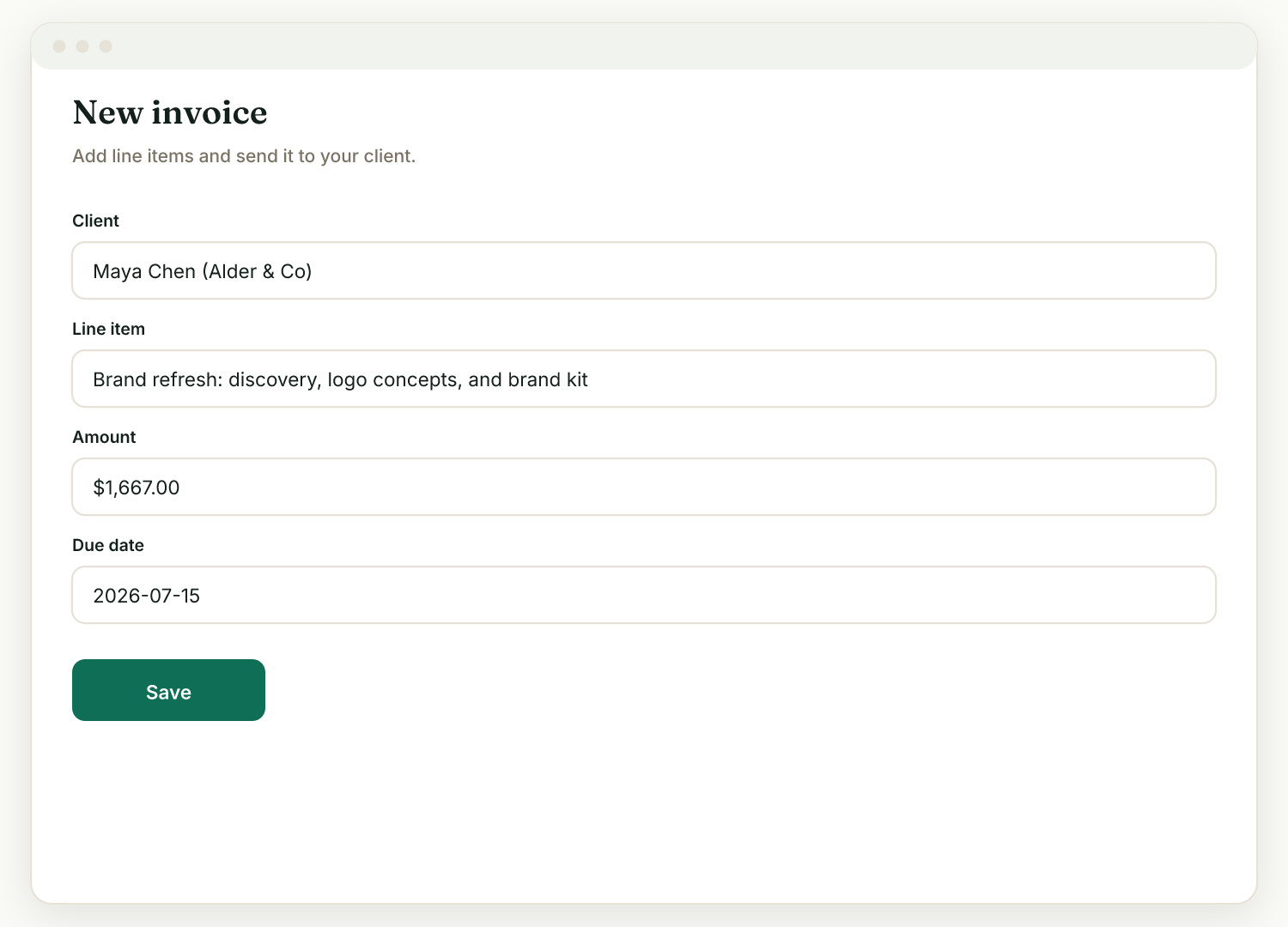
- Go to Invoices, then New.
- Pick the client.
- Add line items, a due date, and any discount or tax.
- Save it, then send the link (it also lands on the client's portal under "Needs your attention").
Or generate one from a proposal#
An accepted proposal offers a Generate invoice button alongside "Start the project" and "Generate contract", so you do not re-enter the pricing you already agreed.
Getting paid#
With Stripe connected (Settings, then Payments), the client pays by card, Apple Pay, or Google Pay. The money goes straight to your Stripe account, and Raoura takes no cut. All amounts are shown exactly, in your account currency, with no rounding surprises.
Optional extras#
- Payment plans: let the client pay in scheduled parts.
- Late-fee clause: in Settings, then Payments, you can show a standard late-fee clause on invoices. Raoura displays the terms; it does not auto-charge a fee.
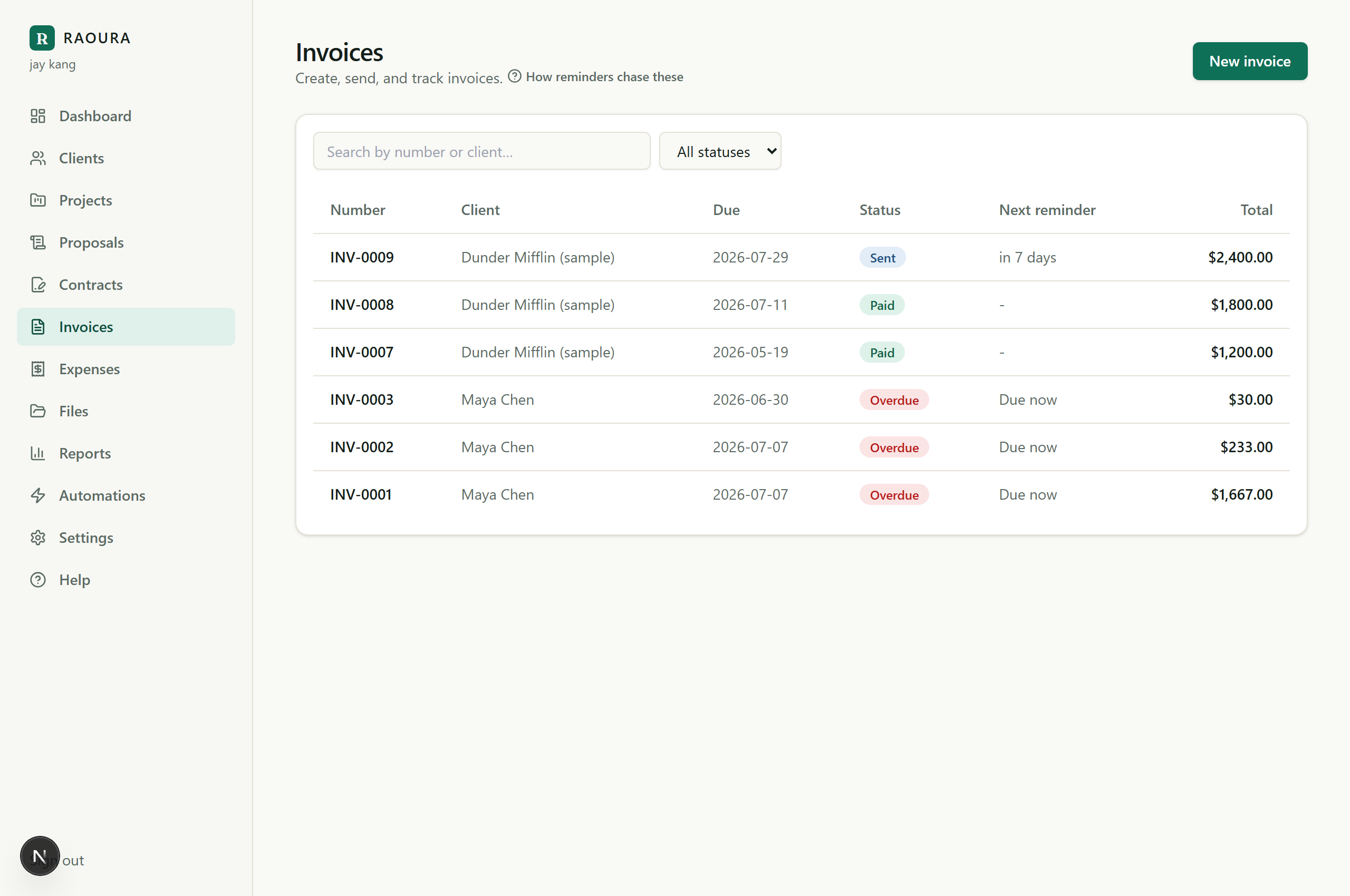
- Reminders: turn on unpaid invoice reminders in Settings, Reminders, and Raoura chases for you.
Related: Invoice line items, tax, and discounts · Get paid in the portal
Was this helpful?
Ready to try it yourself?
Raoura is one flat plan at $17/month, with a 14-day free trial and no credit card required.
Start free trial