Magic link sign in
Clients access their portal through a link, with no account or password to manage.
Your clients never create an account or remember a password: the link you share is how they get in.
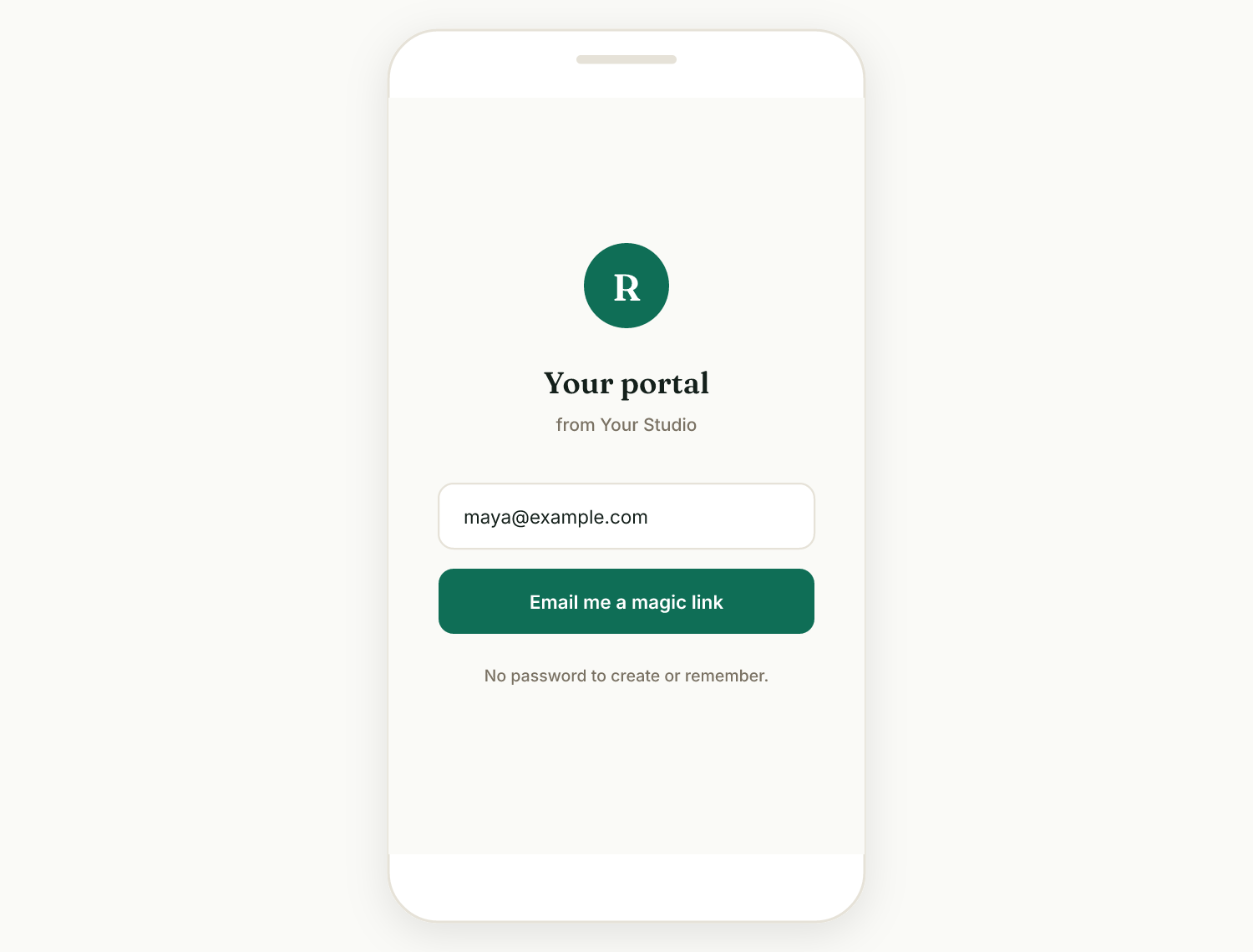
How it works#
- You copy the client's portal link from their page (Clients, open the client, the Client portal card) and send it to them.
- The client opens the link and lands on their branded hub, with everything waiting: proposals to review, contracts to sign, invoices to pay, projects to follow.
- Individual items (a specific proposal, contract, invoice, or project) have their own links too, which work the same way.
Why there is no password#
For a solo freelancer's clients, a login is friction: one more password to forget, one more "I can't get in" email for you. Link-based access means the client clicks and acts. Portal links are unguessable tokens, not sequential IDs, so they cannot be stumbled upon by guessing.
What to tell a client#
If a client asks "how do I log in?", the answer is: you don't need to, just open the link from the email. If they have lost the email, resend their portal link from their client page; the same link keeps working, so there is nothing to reset.
Keep it between you#
The link is the key, so the client should treat it like one and not post it publicly. You can always share a fresh individual link for a specific item.
Related: What clients see · Magic link expired
Was this helpful?
Ready to try it yourself?
Raoura is one flat plan at $17/month, with a 14-day free trial and no credit card required.
Start free trial