What clients see
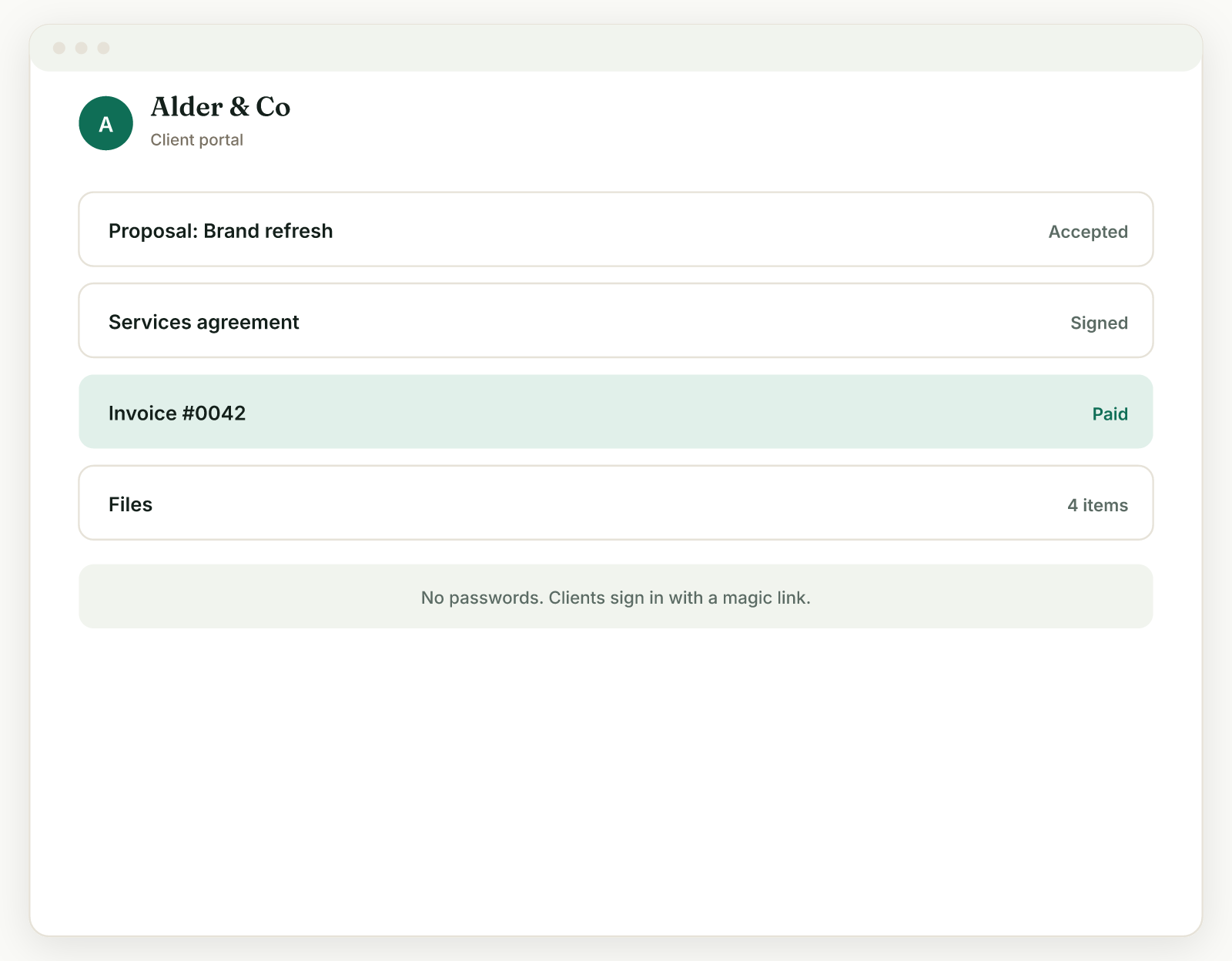
A tour of the client portal, the branded hub where clients act on everything you share.
The client portal is a branded page where your client sees everything you have shared with them, and each client gets exactly one link.
The layout#
The hub stays organized as things pile up:
- Needs your attention sits at the top: invoices to pay, proposals to review, contracts to sign. What the client must act on now is never buried.
- Active projects come next, with progress and milestones to review.
- History is collapsed at the bottom: paid invoices, signed contracts, and other finished items, so a year of work does not become an endless scroll.
What clients can do there#
From the hub (or from individual links) a client can review and accept a proposal, read and e-sign a contract, view and pay an invoice, and follow a project: see progress, review and approve each milestone, pay it, and open the files and links you delivered.
It looks like your business#
The portal and every client page (proposal, contract, invoice, project) use your brand: your logo, accent color, heading font, and theme, set once in Settings, Brand. You never customize pages one by one.
See it yourself#
On any client's page, the Client portal card has an Open portal button, your live view of exactly what that client sees.
Related: Magic link sign in · The client portal link
Was this helpful?
Ready to try it yourself?
Raoura is one flat plan at $17/month, with a 14-day free trial and no credit card required.
Start free trial