The client portal link
Every client has one branded portal link; here is where to find and share it.
Every client has a single branded portal, one link that is their home for everything you share with them.
Find the link#
- Go to Clients and open the client.
- Look for the Client portal card on their page.
- Copy the link to send it to your client, or click Open portal to see exactly what your client sees.
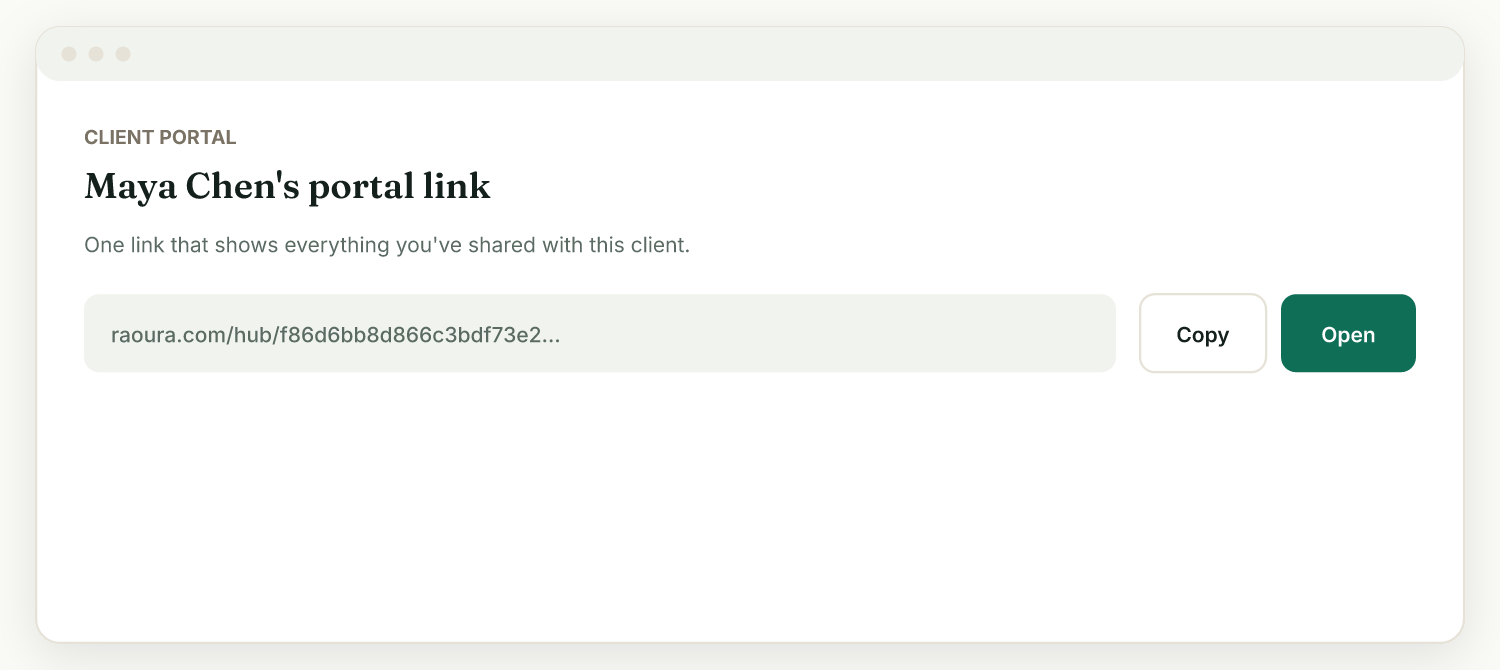
Existing clients already have a link; new clients get one automatically. Your client does not need to create an account or remember a password, they just open the link.
What is behind the link#
The portal stays organized as things pile up:
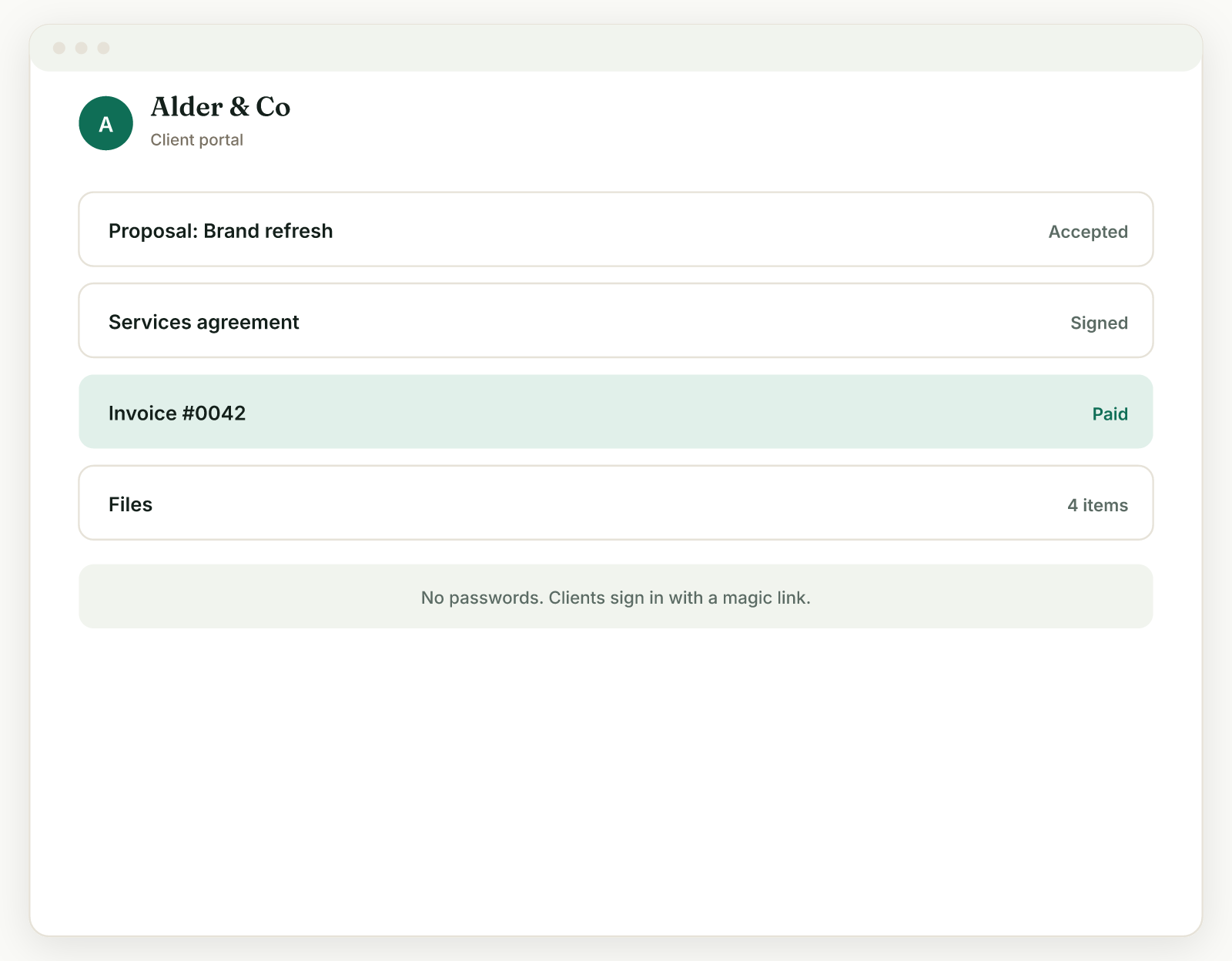
- A Needs your attention section at the top shows what the client must act on now: invoices to pay, proposals to review, contracts to sign.
- Their active projects come next, with progress and milestones.
- A collapsed History holds finished items (paid invoices, signed contracts, and so on), so a year of invoices does not become an endless scroll.
Individual links still work#
Each proposal, contract, invoice, and project also has its own direct link, handy for "pay this exact invoice" moments. Everything uses your brand from Settings, Brand.
Related: What clients see · Add and edit clients
Was this helpful?
Ready to try it yourself?
Raoura is one flat plan at $17/month, with a 14-day free trial and no credit card required.
Start free trial