What Raoura automates for you
The Automations settings explained: prepared paperwork on accepted proposals, payment receipts, and your Monday briefing.
Raoura's automations follow one rule: they do the repetitive work, and anything binding waits for you. You'll find the switches in Settings, under Automations.
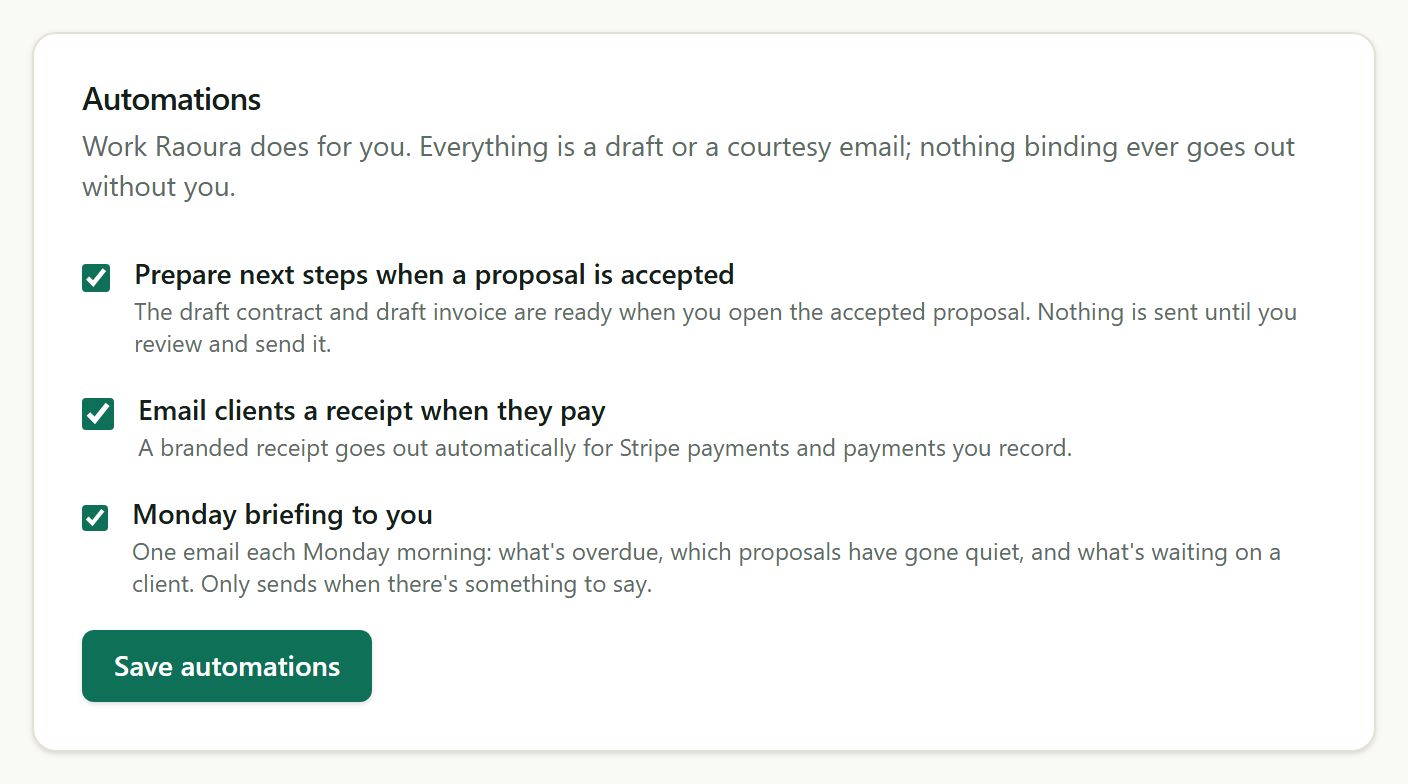
Prepare next steps when a proposal is accepted#
With this on, opening an accepted proposal shows a draft contract and a draft invoice already built from its line items. Nothing has been sent; the drafts are simply ready for your review. The proposal page links straight to both.
Email clients a receipt when they pay#
Whenever a payment lands, whether your client paid by card or you recorded a payment yourself, they receive a branded receipt showing the amount and any remaining balance.
Monday briefing to you#
Each Monday morning you get one email summarizing what needs attention. See the dedicated article for details. Every automation can be switched off here at any time, and everything an automation does is recorded in your activity feed.
Was this helpful?
Related
Ready to try it yourself?
Raoura is one flat plan at $17/month, with a 14-day free trial and no credit card required.
Start free trial