Create a project
Set up a project with milestones your client can follow, approve, and pay.
A project breaks work into milestones your client approves and pays in turn, and they follow it all from their portal.
Create one from scratch#
- Go to Projects, then New.
- Pick a client and give the project a title.
- Add milestones. Each milestone has a name, scope, amount, and an optional due date.
- Save. The project appears on the client's portal.
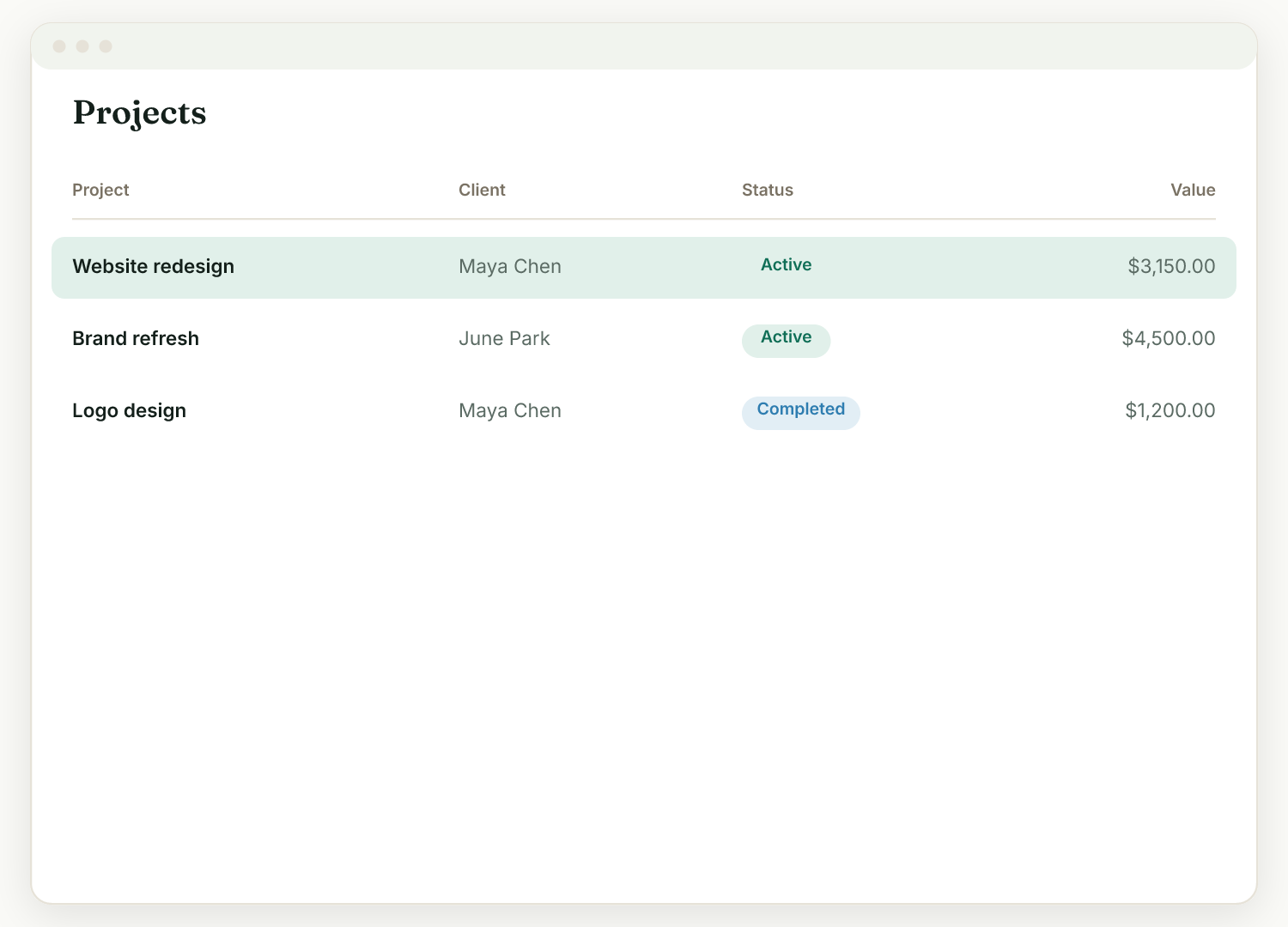
Or start from an accepted proposal#
If the project began life as a proposal, you do not need to re-enter anything. Once the client accepts, the proposal shows a Start the project button that creates a project with a milestone for each priced line item, amounts included. You go straight from "yes" to managing the work.
The project page#
Your project page is where you work: mark milestones delivered, attach deliverables (files and links), and customize what the client sees with a cover image and welcome message.
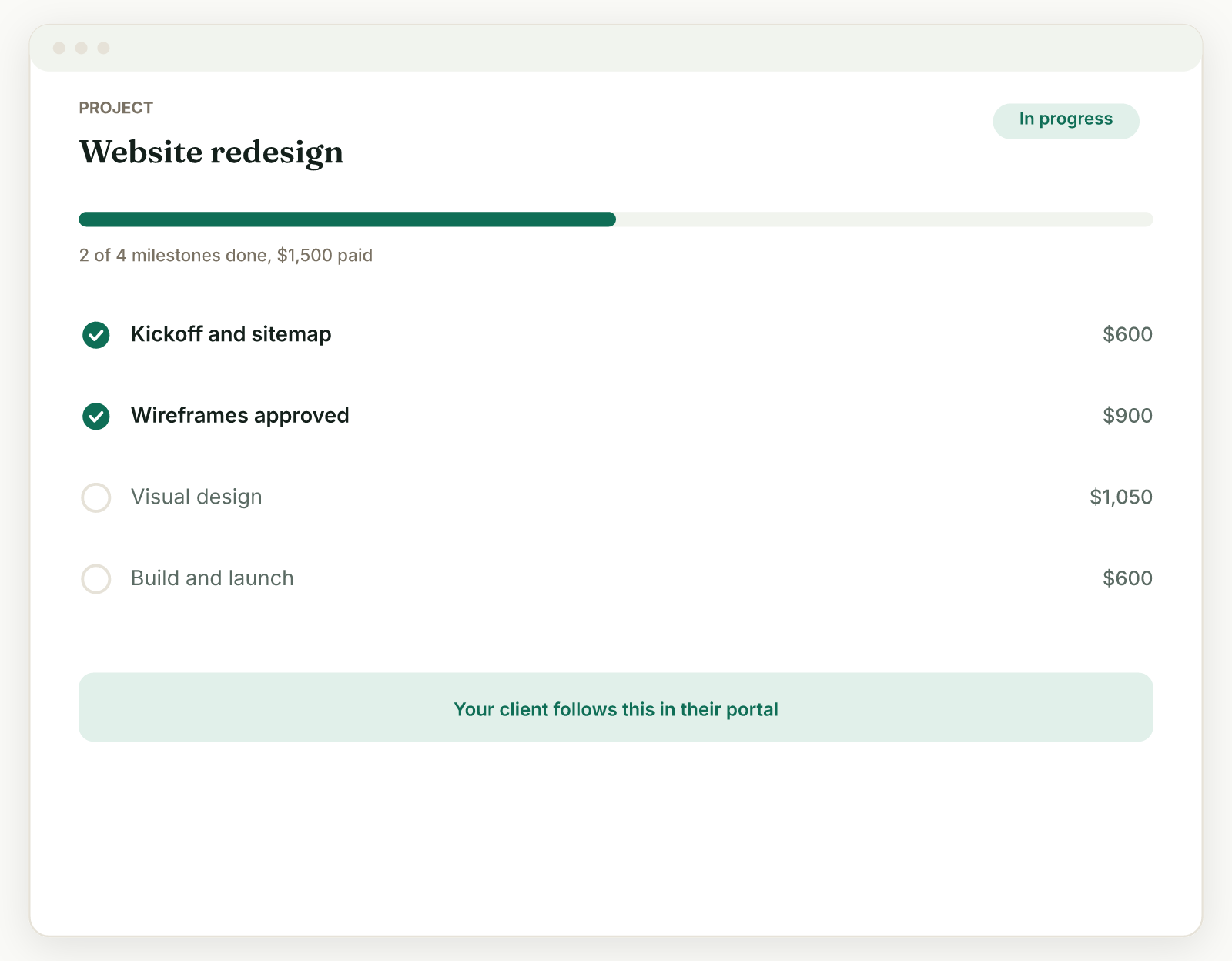
Your client's view is one click away: the link in the project's Client portal card is a live preview of their page.
Related: Milestones and payment shapes · Project welcome message and cover
Was this helpful?
Ready to try it yourself?
Raoura is one flat plan at $17/month, with a 14-day free trial and no credit card required.
Start free trial