Create your account
How to sign up for Raoura and start your 14-day free trial.
Signing up takes about a minute and starts a 14-day free trial with full access, no credit card required.
Sign up#
- Go to raoura.com and click Start free trial (or go directly to raoura.com/signup).
- Enter your name, email, and a password, or click Continue with Google.
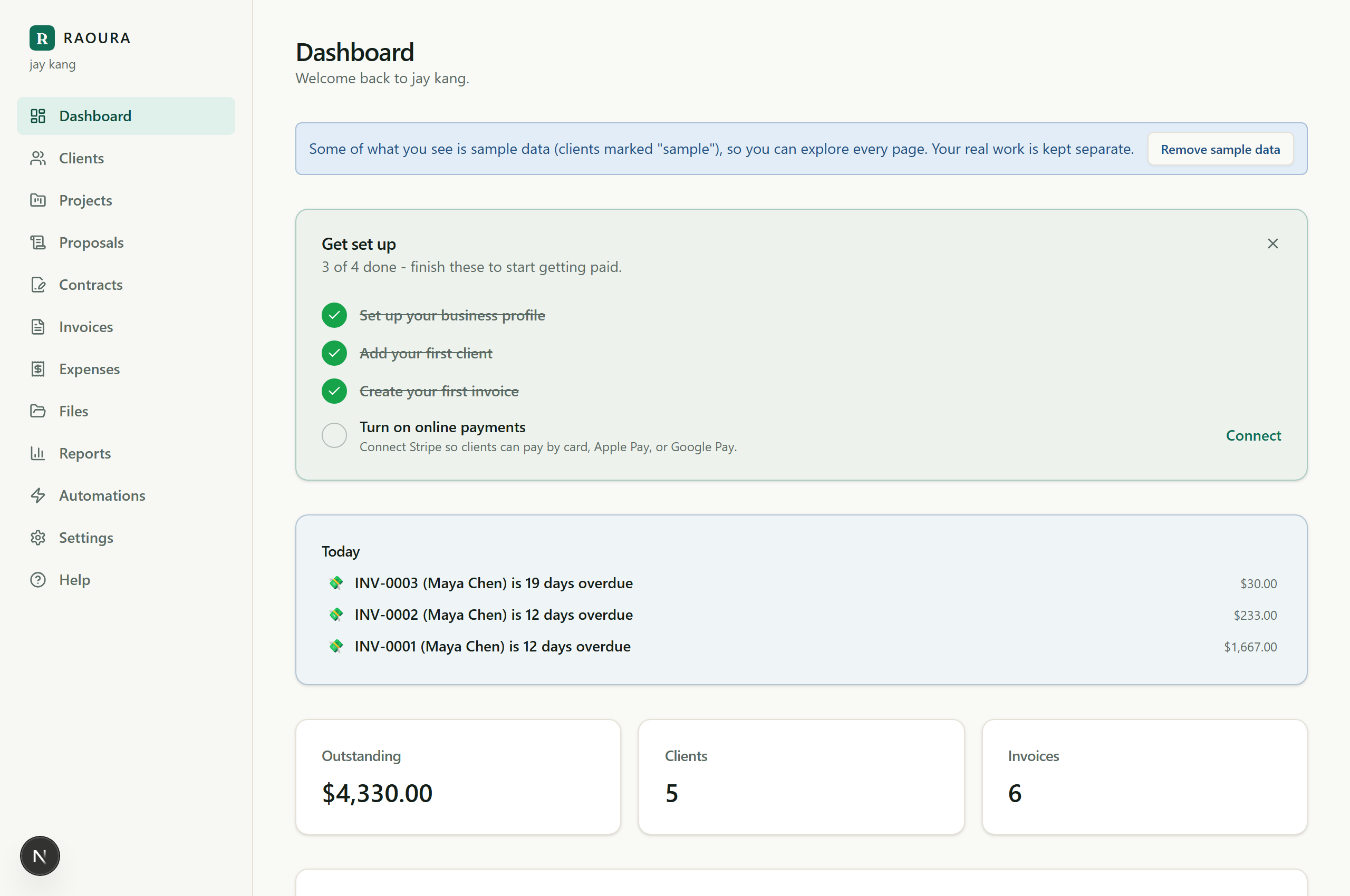
- That's it. Your 14-day trial starts right away, and you land on your dashboard.
Logging in and out#
- Log in at raoura.com/login with your email and password, or with Continue with Google.
- Forgot your password? Click Forgot password? on the login page and we send you a reset link. If you signed up with Google and never set a password, you can set one anytime under Settings, then Account.
- To log out on a computer, use the Sign out button at the bottom of the left sidebar. On a phone it is in the top-right corner. You can also visit raoura.com/logout from any page.
When the trial ends#
After 14 days you will be asked to subscribe ($17 per month, one flat plan) to keep using Raoura. Your data is safe and waiting, so you pick up exactly where you left off.
Related: Set up your brand · Add your first client
Was this helpful?
Ready to try it yourself?
Raoura is one flat plan at $17/month, with a 14-day free trial and no credit card required.
Start free trial