Sharing files
Deliver files and links to clients through milestones, with optional pay-to-unlock.
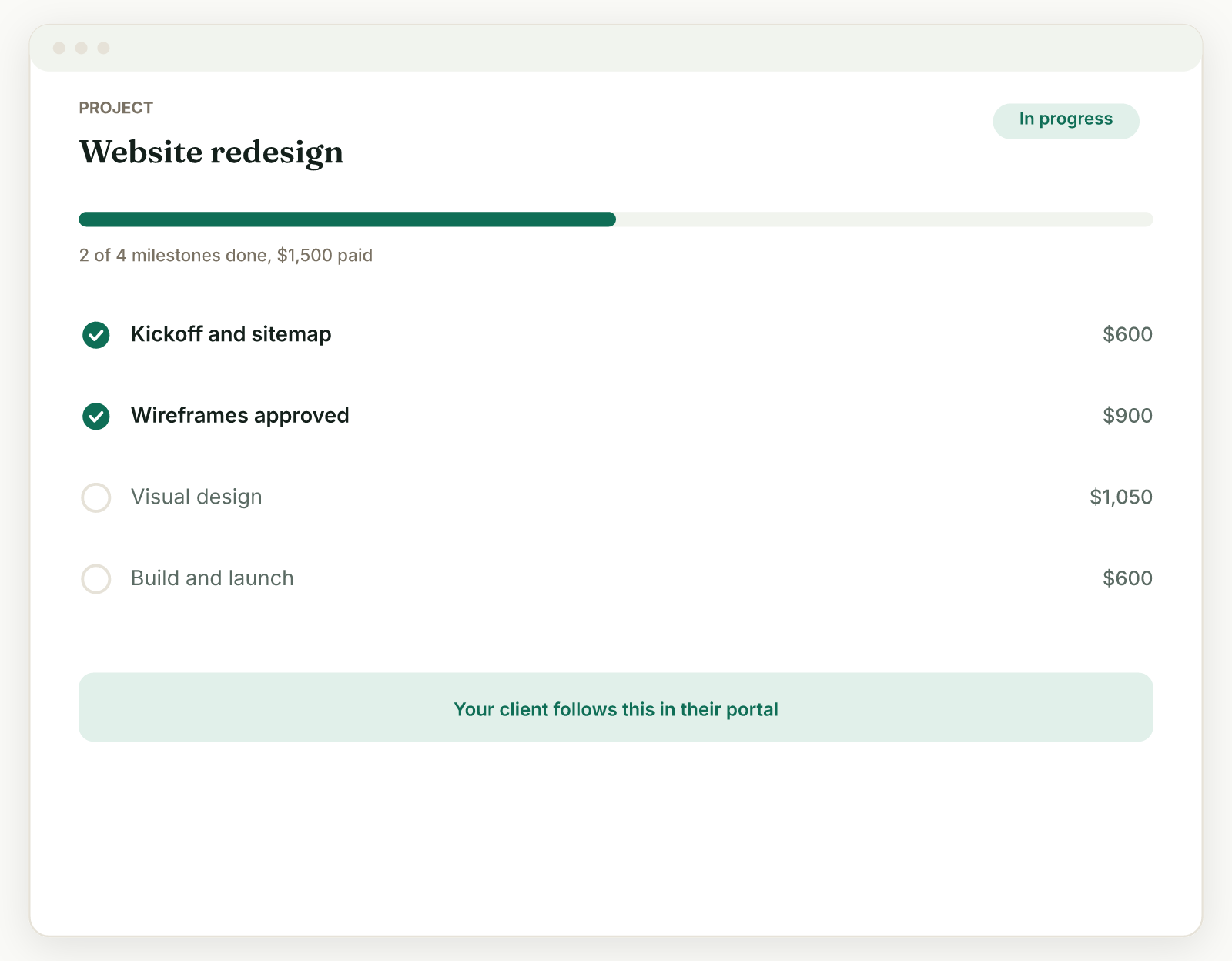
Files and links reach your client as deliverables attached to project milestones, right where the work they belong to lives.
Add deliverables to a milestone#
- Open the project and find the milestone's Deliverables panel.
- Add a link: a staging URL, a Figma file, a report, anything with an address.
- Or upload a file: a gallery, a PDF, up to 25MB per file.
- The deliverables appear on the client's project page.
Pay to unlock#
Tick Pay to unlock on any deliverable, and the client only gets the file or link after that milestone is paid. It is perfect for releasing a photo gallery on payment: the client can see the milestone is delivered and approve it, but the download opens once the money has moved.
Where clients find their files#
On the client's project page, each milestone shows its deliverables. Finished projects and their materials remain reachable from the portal, so "can you resend that file?" becomes "it's in your portal."
Tips#
- Attach deliverables before you click Mark delivered, so the client has something to review when they get the nudge.
- For very large deliveries, share a link to external storage as a link deliverable instead of uploading.
Related: Submit and approve milestones · What clients see
Was this helpful?
Ready to try it yourself?
Raoura is one flat plan at $17/month, with a 14-day free trial and no credit card required.
Start free trial