Submit and approve milestones
Mark a milestone delivered, let the client review it, and get it approved and paid.
When a milestone is done, you mark it delivered, and the client reviews, approves, and pays it from their portal.
Your side: mark it delivered#
- Open the project.
- On the finished milestone, click Mark delivered.
- Attach any deliverables first (files up to 25MB, or links like a staging URL or a Figma) so the client has something to review.
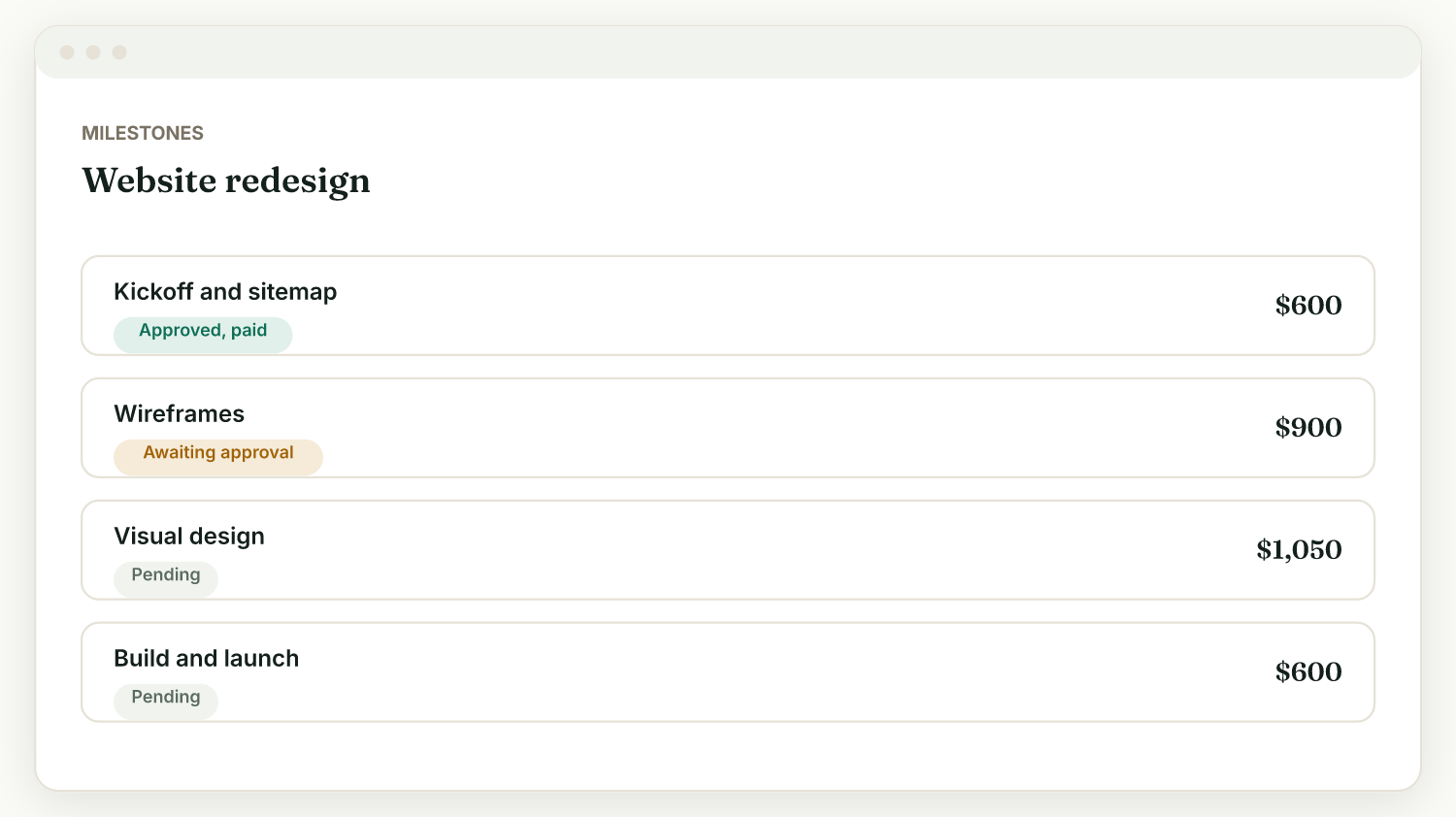
The client's side: review and approve#
On their project page, the client sees the milestone as ready to review. They can:
- Approve it, and pay it if it has an amount and you have Stripe connected.
- Request changes if something is off.
You get notified either way (turn on activity notifications in Settings, Account, Preferences).
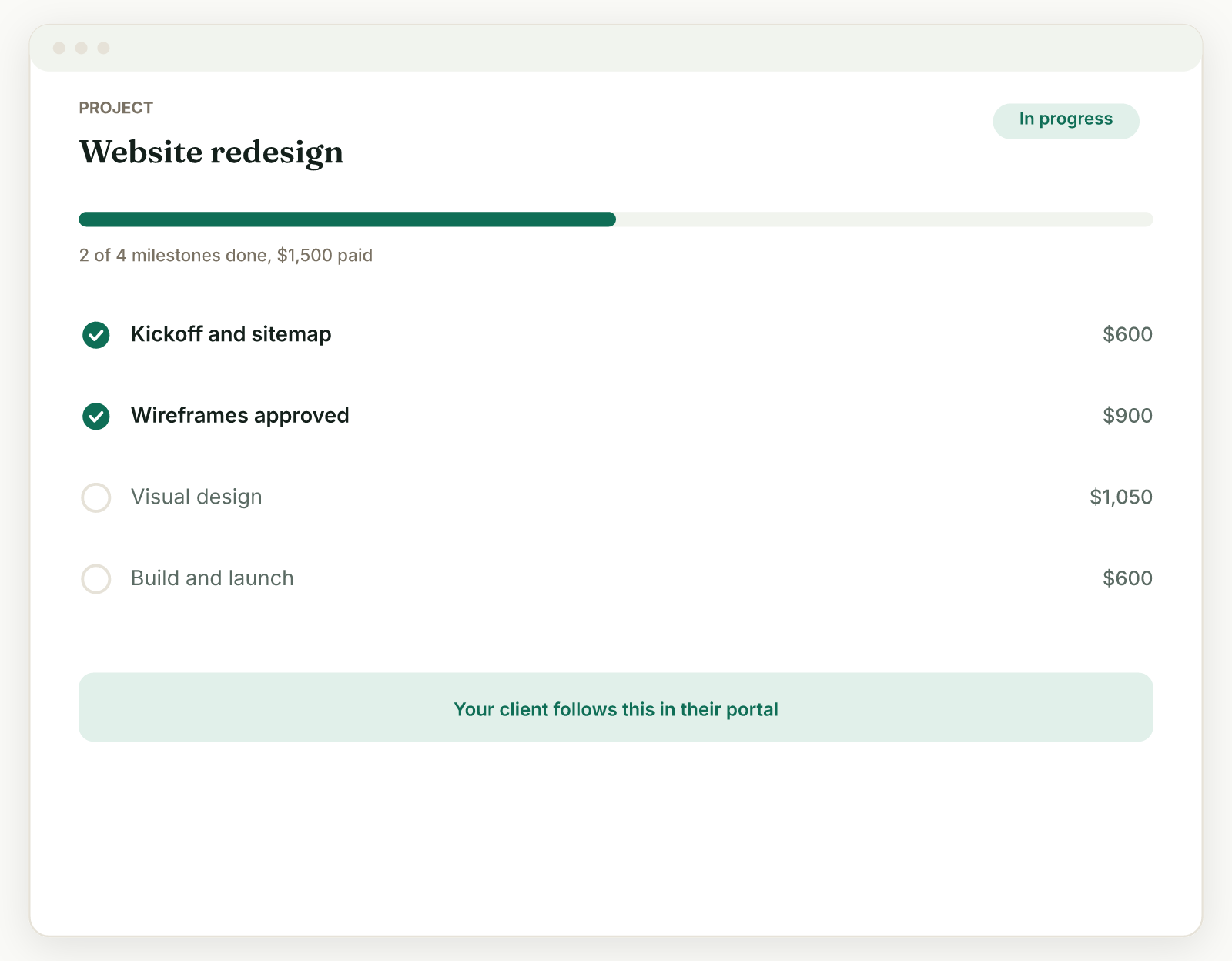
If the client goes quiet#
Turn on project update reminders in Settings, Reminders, and Raoura reminds the client to review a delivered milestone on day 3 and day 7. You can pause reminders for a single project from its page without changing your defaults.
Pay to unlock#
Deliverables marked "Pay to unlock" only open for the client after the milestone is paid, so approval, payment, and handover happen in the right order.
Related: Milestones and payment shapes · Sharing files
Was this helpful?
Ready to try it yourself?
Raoura is one flat plan at $17/month, with a 14-day free trial and no credit card required.
Start free trial