How to Leave HoneyBook Without Losing Your Client Data (Weekend Migration Guide)
August 30, 2026
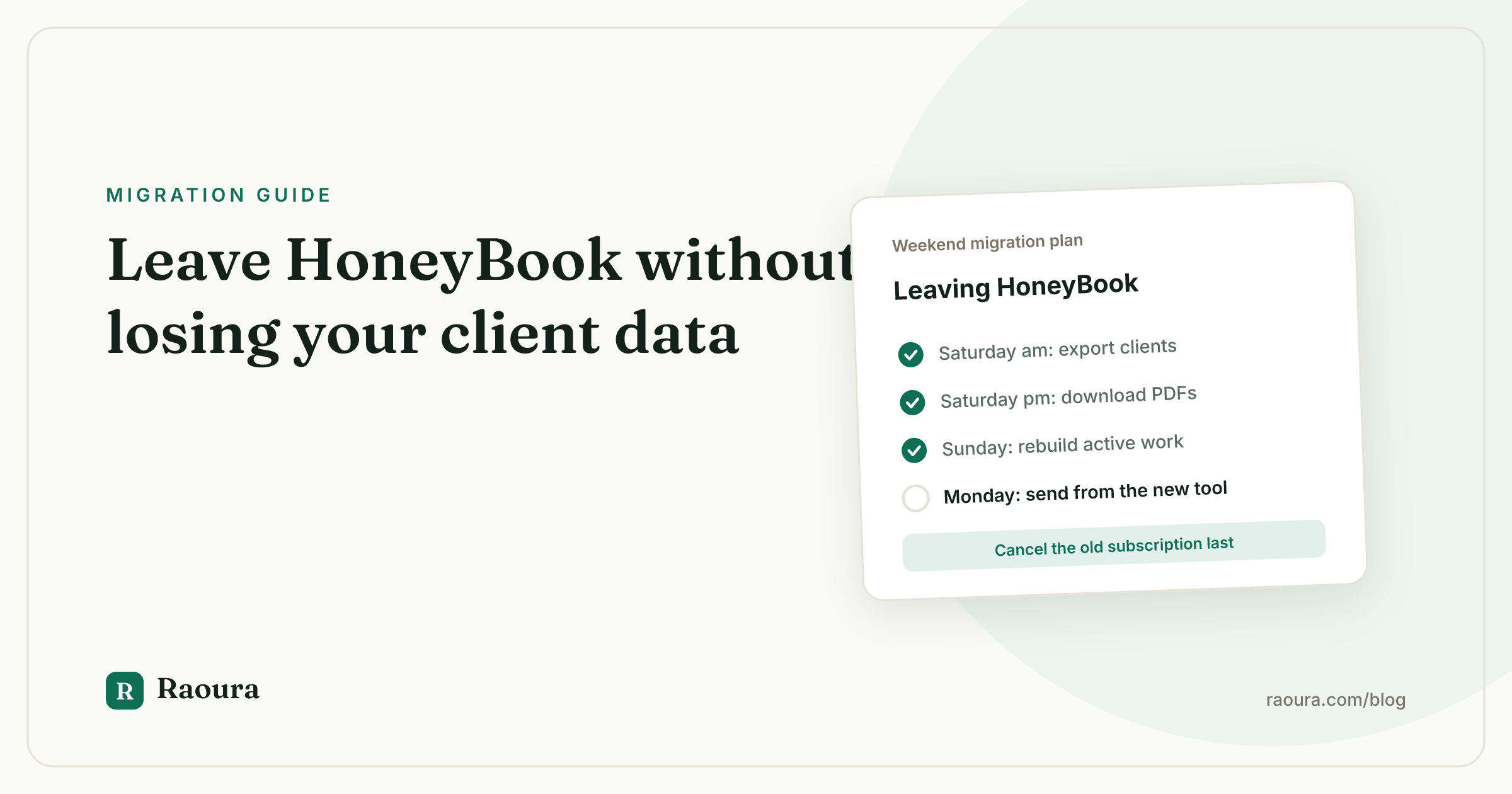
How to Leave HoneyBook Without Losing Your Client Data (Weekend Migration Guide)#
Leaving a CRM feels like moving out of an apartment: the decision takes months, the actual move takes a weekend, and the worst part is discovering what the landlord will not let you take. This guide is the honest packing list. It covers exactly what HoneyBook lets you export, what it does not, and a step-by-step Saturday plan that gets you out with your client relationships intact.
One framing note before we start: your goal is not to replicate your HoneyBook account somewhere else. Your goal is to keep serving clients without interruption. Those are very different amounts of work, and confusing them is why people stay in tools they dislike for years.
What you can and cannot export from HoneyBook#
Here are the facts, verified against HoneyBook's own documentation, as of mid-2026.
You can export:
- Your contact list as a CSV. HoneyBook lets you download your full contacts list as a CSV including name, email, phone number, address, notes, and the date the contact was created (HoneyBook Help Center). This is your single most important export.
- Financial reports as CSVs. From the reports section you can download payment and financial reports for monthly, quarterly, or custom timeframes (HoneyBook Help Center).
- Individual documents as PDFs. Invoices, proposals, and contracts can each be opened and downloaded as a PDF, one at a time.
You cannot export:
- Documents in bulk. There is no bulk download for invoices, contracts, or proposals; each file is downloaded individually, and third-party migration guides consistently flag this as the slowest part of leaving (Rock Paper Coin migration guide, as of mid-2026).
- Your full account. HoneyBook has no complete data export. Email threads, templates, automations, brochures, and questionnaire structures stay behind.
- Automations and templates. Smart files, email templates, and automation sequences cannot be exported in any machine-readable form. You will recreate the ones that matter (more on that below).
The standalone takeaway: HoneyBook exports contacts as a CSV and financial reports as CSVs, but documents must be downloaded as individual PDFs and there is no full account export, as of mid-2026.
Pre-migration checklist (do this before Saturday)#
- Do not cancel yet. Keep your HoneyBook subscription active until every step below is done. Canceling first is the one truly unrecoverable mistake.
- List your in-flight work. Write down every active project, every unsigned proposal, and every unpaid invoice. This list drives the whole migration.
- Pick your destination and set it up. Whatever tool you are moving to, get your branding, one proposal template, and one test invoice working before migration day.
- Tell no one yet. Clients do not need a "we're switching systems" email. They need their next touchpoint to simply arrive from the new system, looking professional.
- Block one Saturday. For a solo freelancer with a normal client load, this genuinely fits in a day.
The Saturday plan#
- 9:00 - Export your contacts CSV. Go to your HoneyBook contacts, export the CSV (instructions here), open it, and sanity-check it. Fix obviously stale emails now, in the spreadsheet, while it is easy.
- 9:30 - Download documents for active and recent work. This is the tedious part, so scope it ruthlessly. Download PDFs of: every signed contract for an active project, every unpaid invoice, every open proposal, and contracts for anything completed in the last 24 months (for your records and your accountant). Skip the 2019 proposals. File everything into one folder per client. Migration guides estimate one to two hours for a typical freelancer's document history (Rock Paper Coin).
- 11:30 - Export financial reports. Download payment reports covering the current and previous tax year as CSVs. Your accountant will thank you, and you will never need to log back in for a number.
- 12:00 - Screenshot your automations and templates. You cannot export smart files or automation sequences, so open each one you actually use and screenshot it, including the email copy and the trigger logic. Paste the text of your best emails into a doc. This is your rebuild reference.
- 13:00 - Lunch. You have everything HoneyBook will give you.
- 14:00 - Recreate active projects only. In your new tool, create the clients and projects that are currently in motion. Resist the urge to recreate your whole history; the PDFs folder is your archive, the new tool is for live work.
- 16:00 - Send one real thing. The migration is not done until a client has received something from the new system: an invoice, a proposal, a portal link. Send the one that is due next.
What to do with in-flight projects and unpaid invoices#
The cleanest rule: money finishes where it started. If a client has an unpaid invoice or an active payment plan in HoneyBook, let them pay it there.
Asking a client to abandon a half-paid payment plan and re-enter card details in a new system is friction you do not need. Keep HoneyBook alive until those payments clear, then cancel.
For active projects, switch at a natural seam: a milestone boundary, a new phase, or the next deliverable. The client experience should be "here is the link for the next phase," not "please re-sign everything."
Signed contracts stay valid; they are the PDFs you downloaded, and they do not need to be re-executed just because your software changed.
New work starts in the new system from day one, no exceptions. Every new proposal you send from HoneyBook after deciding to leave extends your migration by weeks.
What you'll rebuild by hand (the honest section)#
No migration guide should hide this: some things do not move, period.
- Email templates and automations. You will rewrite these from your screenshots. Silver lining: most people find half their automations were never actually good, and rebuilding forces the edit.
- Proposal and brochure templates. The structure does not export. You will rebuild your one or two real templates in the new tool.
- Email history with clients. Conversations that lived inside HoneyBook stay there. Going forward, important agreements belong in contracts and proposals, which export as PDFs anywhere.
- Questionnaires and forms. Copy the questions out by hand before you cancel.
Budget two to three focused hours for rebuilding, separate from the Saturday plan. It is annoying. It is also finite, which is more than can be said for staying in a tool that fights you weekly.
If you're moving to Raoura#
We build Raoura, a client and project management tool for solo freelancers, so here is exactly how this migration lands there, including the honest part.
Raoura has no automated HoneyBook importer yet. We are not going to pretend a CSV upload button exists when it does not. What Raoura is built for is fast manual entry: adding a client takes under a minute, so working down your exported CSV with Raoura open in the next window is an evening of work for a typical solo client list, not a lost weekend.
From there, the pieces line up like this:
- Contracts and proposals. Your downloaded PDFs slot in directly, because Raoura lets you upload your own PDF proposals and run e-signatures on them, with name, timestamp, and IP recorded in an audit trail.
- Client portal. Brand matching pulls your logo and colors from your website so the portal looks like you from the first magic-link login.
- Invoicing. Deposits, payment plans, multi-currency, and automatic overdue reminders out of the box.
It is one flat plan at $17 per month, and the 14-day trial requires no credit card, so you can run this entire Saturday plan against Raoura before paying anything.

The under-a-minute claim in full: one required field, three optional ones, and your exported CSV open in the next window.
First-week checklist in the new tool#
- [ ] Every active client exists in the new system, with correct emails
- [ ] Every active project is recreated with its next milestone defined
- [ ] Your next three invoices are scheduled or drafted in the new tool
- [ ] One proposal template and one contract template rebuilt and test-sent to yourself
- [ ] Client portal branding checked on your phone, not just your laptop
- [ ] Old HoneyBook PDFs backed up in two places (local plus cloud)
- [ ] Unpaid HoneyBook invoices tracked on a simple list, with HoneyBook alive until they clear
- [ ] Calendar reminder set to cancel HoneyBook the week after the last payment lands
Frequently asked questions
How do I export my client list from HoneyBook?
From your HoneyBook contacts, download the full contacts list as a CSV. It includes name, email, phone number, address, notes, and the date the contact was created, per HoneyBook's own help center. This is the single most important export, so open it and sanity-check the emails before you do anything else.
Can I export my HoneyBook invoices and contracts in bulk?
No. There is no bulk document export: invoices, proposals, and contracts each download as an individual PDF, one at a time. Budget one to two hours to pull the documents for active projects and anything completed in the last 24 months.
Do my clients need to re-sign contracts when I switch tools?
No. A signed contract stays legally valid regardless of which software it lives in. The PDFs you downloaded are your records; new work simply gets contracted in the new system.
What happens to unpaid HoneyBook invoices when I leave?
Let money finish where it started. Keep HoneyBook active until open invoices and payment plans clear, then cancel. Asking a client to re-enter card details mid-plan adds friction and slows you getting paid.
How long does it take to migrate away from HoneyBook?
About one Saturday for the export and rebuild of active work, plus two to three focused hours later to recreate the email templates, questionnaires, and automations that cannot be exported.
Leaving HoneyBook is not hard; it is just manual. Contacts come out clean as a CSV, documents come out one PDF at a time, and everything else gets rebuilt leaner than it was.
One Saturday of packing, one week of settling in, and your business runs somewhere that fits it.
If you want that somewhere to be simple, flat-priced, and built for exactly one freelancer, start your free 14-day trial at raoura.com, no credit card required.
Run your client work in one place
Send a proposal, get it signed, invoice, and get paid, with a branded portal your clients will actually use. One flat plan at $17/month, and we never take a cut of your payments.
Try Raoura free for 14 daysNo credit card required. Set up in minutes.
Keep reading
Is Upwork Worth It in 2026? A Break-Even Test for Your Situation
Upwork is worth it when its fee costs less than finding the client yourself, and that is true far more often for a first project than for a repeat client. Here is the break-even math with 2026 numbers: the 0 to 15% fee, Connects, the shrinking client base, and when to wait out the 24-month rule instead of paying to leave.
The Virtual Assistant Contract: 24 Clauses, Scored Against Every Template Ranking for This Search
We scored the four pages that publish actual virtual assistant contract text against 24 clauses a VA agreement needs. Twenty-four of 96 possible slots were filled. The best single template managed 7 out of 24. Twelve clauses appear in none of them, including every clause about the thing that makes VA work different from other freelance work: you are holding your client's passwords and running their inbox. One popular template also tells you a contract fixes your independent contractor status, then mandates client-set 9 to 5 weekday hours in the same document. Here is the clause-by-clause version, with the classification test the DOL is actually applying in 2026, the data protection terms nobody drafts, and the retainer mechanics that decide whether unused hours roll over.
Stripe vs PayPal for Freelancers: Every Fee Verified (2026)
Every page ranking for this comparison either prints in-person retail rates, contradicts itself, or skips the numbers freelancers actually pay. We read the current Stripe and PayPal pricing pages line by line, ran a $3,000 invoice through every rail, and found a $1,764 per year gap between the cheapest setup and the default one.