Raoura vs Hello Bonsai (2026): flat pricing vs per-seat tiers
July 6, 2026
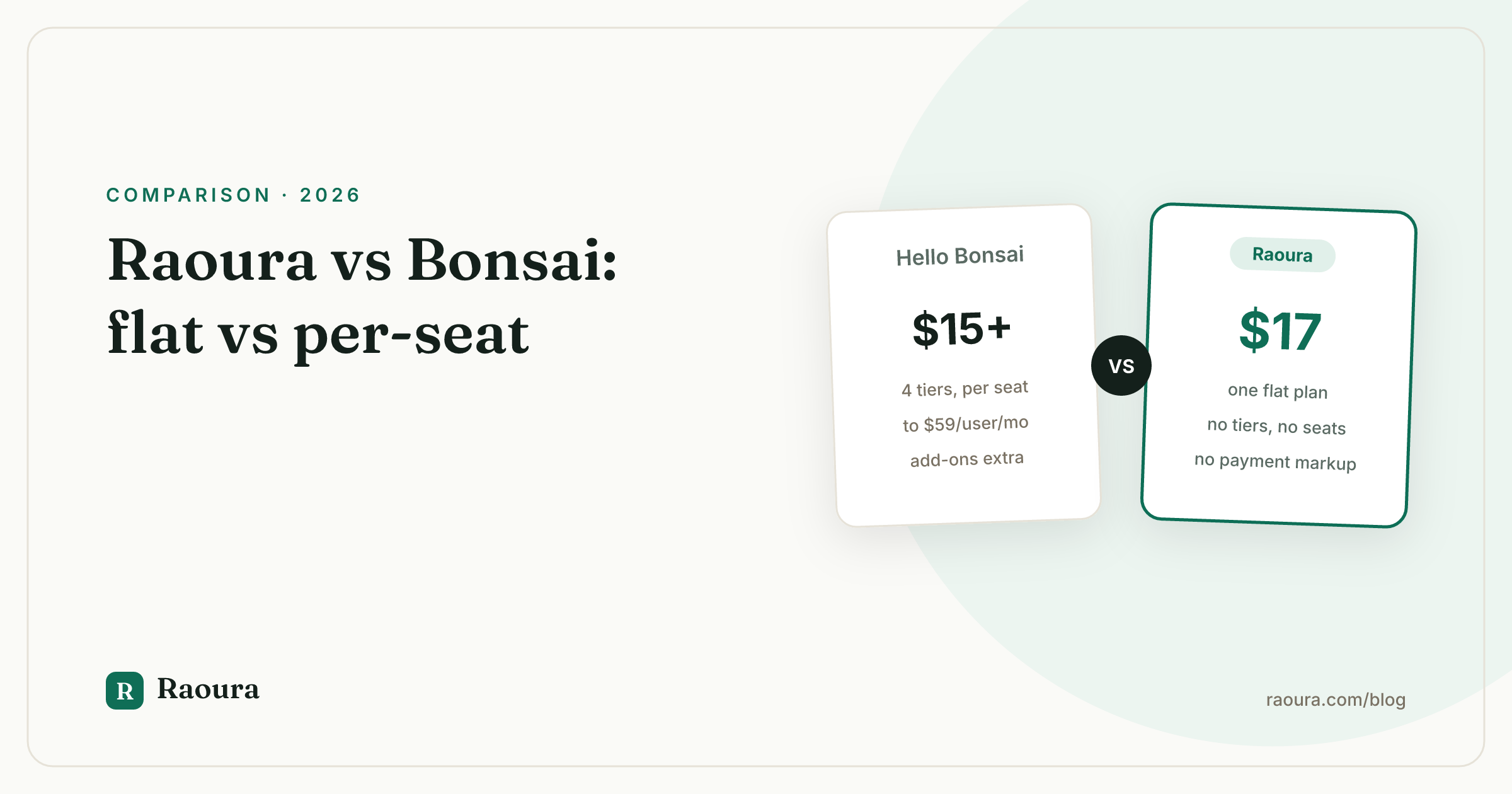
Raoura vs Hello Bonsai (2026): flat pricing vs per-seat tiers#
TL;DR verdict: If you are a solo freelancer who wants proposals, contracts, invoicing, projects, and a client portal without decoding a four-tier pricing page, pick Raoura: it is one flat plan at $17 per month with every feature included and a 14-day free trial that does not ask for a credit card. If you need self-employment tax estimation, a massive template library, or you run a small team that genuinely needs multiple seats, Bonsai is the more established, broader tool. Raoura is new and deliberately narrow. Bonsai is mature and deliberately wide. This article explains which trade-off fits you.
Both tools promise the same headline: stop duct-taping your freelance business together out of Google Docs, PayPal, and hope. The difference is philosophy. Bonsai has grown into an all-in-one operating system with tiers, seats, and add-ons. Raoura was built for exactly one person: you, working alone.
Side-by-side comparison#
| Raoura | Hello Bonsai | |
|---|---|---|
| **Pricing model** | One flat plan, $17/mo, everything included | Four per-user tiers: Basic $15, Essentials $25, Premium $39, Elite $59 per user/mo billed annually, more month-to-month, [as of mid-2026](https://www.hellobonsai.com/pricing) |
| **Free trial** | 14 days, no credit card required | 7 days, converts to a paid subscription automatically ([19pine.ai](https://www.19pine.ai/cancel-subscription/financial-legal-and-business-service/how-to-cancel-bonsai)) |
| **Payment fees** | No transaction fee markup; you pay only your payment processor's standard rates | Standard processor fees apply; some payment features vary by tier ([Bonsai pricing](https://www.hellobonsai.com/pricing)) |
| **Proposals** | Templates plus AI draft, or upload your own PDF proposal | Large template library, tier-gated ([assembly.com](https://assembly.com/blog/hello-bonsai-pricing)) |
| **Contracts** | E-sign with name, timestamp, and IP audit record, on the flat plan | E-signatures, available from mid tiers up |
| **Invoicing** | Line items, tax, discounts, multi-currency, deposits, partial payments, payment plans, automatic overdue reminders | Full invoicing with payments from the Essentials tier up |
| **Tax tools** | Tax fields on invoices only, no estimator | Self-employment tax estimator and expense tracking, a genuine strength |
| **Client portal** | Branded portal with magic-link login, brand matching from your website, included | Client portal from Essentials tier; branding removal requires Premium ([assembly.com](https://assembly.com/blog/hello-bonsai-pricing)) |
| **Projects** | Projects with client-approvable milestones | Task management, Gantt views, and workload tools on higher tiers |
| **Learning curve** | Minutes; small feature set on purpose | Moderate; broad feature set means more to configure |
Pricing trust: the part nobody puts on the pricing page#
Here is the standalone fact: Raoura costs $17 per month, flat, with no tiers, no seats, and no add-ons. Bonsai's pricing runs from $15 to $59 per user per month billed annually, and higher month-to-month, as of mid-2026.
On paper, Bonsai Basic at $15 looks cheaper than Raoura. Read the tier breakdown, though: Basic does not include invoicing, proposals, contracts, or the client portal. Those arrive at Essentials, $25 per user per month, as of mid-2026. Removing Bonsai branding from what clients see requires Premium at $39.
The features a freelancer actually signs up for live one or two tiers above the advertised price. That is not a scam, it is just how tiered SaaS works, but you should do the math on the tier you will really use.
Then there is the renewal question. Bonsai's Trustpilot page shows a polarized picture: mostly five-star reviews sitting next to a meaningful block of one-star reviews, with recurring complaints about unexpected charges, difficulty stopping auto-renewals, and slow support responses, as of mid-2026.
Third-party cancellation guides note that Bonsai's trial converts automatically to a paid subscription and that refunds for forgotten cancellations are not guaranteed (19pine.ai). Plenty of Bonsai users never hit a billing problem. But the complaint pattern is consistent enough to mention.
Raoura's answer to that anxiety is structural: the 14-day trial does not collect a credit card, so there is nothing to auto-convert and nothing to forget to cancel. If you do nothing, you pay nothing. Raoura is also new, so we will not point you at glowing reviews; there are not enough yet to be meaningful, and we would rather say that plainly than fake it.
Day-one setup#
Raoura is designed to be producing client-facing work within your first session. You add a client (it takes under a minute), the brand matching tool pulls colors and logo from your website to style your portal and documents, and you send your first proposal from a template or an AI draft. If you already have a proposal format you love, you upload your own PDF and use Raoura for the e-signature and audit record instead of rewriting anything.
Bonsai's setup is not painful, but it is bigger. There are more modules to walk through (time tracking, scheduling, expense tracking, pipelines, forms), more settings pages, and more decisions about which tier unlocks what. If you want the breadth, that time is well spent. If you only wanted proposals, contracts, invoices, and a portal, you will spend part of day one turning things off or ignoring them.
One honest caveat on Raoura: there is no automated importer yet. Adding clients is fast manual entry designed to work comfortably alongside a CSV export from your old tool, but it is manual. For a solo freelancer with 15 to 40 active clients that is an evening, not a weekend. For someone with 500 contacts, weigh that.
Getting paid#
This is where a tool earns its subscription, so be specific about what you get.
Raoura invoicing includes line items, tax, discounts, multi-currency, deposits and partial payments, payment plans, and automatic overdue reminders, all on the single $17 plan. Raoura adds no transaction fee markup on top of your payment processor's standard rates. The overdue reminders matter more than they sound: chasing a late invoice is the single most awkward recurring task in freelancing, and automating the nudge removes both the friction and the resentment.

Line items, partial payments, and the fee policy stated on the invoice itself: nothing added on top of your own Stripe.
Bonsai's invoicing is also solid once you are on Essentials or above, and it is paired with something Raoura does not attempt: financial tooling around the invoice, including expense tracking, income reports, and a self-employment tax estimator. If quarterly estimated taxes are the thing that keeps you up at night, that is a real Bonsai advantage, covered honestly in the next section.
Client experience#
Your client never sees your dashboard. They see the proposal, the contract, the invoice, and the portal. Judge both tools on that surface.
Raoura's client portal is branded as yours: brand matching from your website sets the look, and clients log in with a magic link, no password to create or forget.
Contracts are e-signed with a name, timestamp, and IP address recorded in an audit trail. Milestones inside projects are client-approvable, so "is this done?" becomes a button your client clicks instead of an email thread.

Your name on the portal, on the $17 plan: no tier to climb before the Bonsai-style branding disappears.
Bonsai's client portal is capable, but full white-labeling is tier-gated: removing Bonsai branding requires the Premium plan, as of mid-2026. On lower tiers, your client sees Bonsai's name alongside yours. Whether that matters is a positioning question only you can answer, but for freelancers selling a premium, personal service, it usually matters more than expected.
Where Bonsai is genuinely better#
An honest comparison names the other tool's wins. Bonsai has three clear ones.
- Tax and money tools. Bonsai's self-employment tax estimator, expense tracking, and income reporting have no equivalent in Raoura. Raoura handles tax on invoices and stops there. If integrated tax help is a top-three requirement, Bonsai wins this category outright.
- Global breadth and maturity. Bonsai has been serving freelancers across many countries and currencies for years. Raoura supports multi-currency invoicing, but Bonsai's overall international surface area, and the years of edge cases it has already hit, are ahead.
- Templates. Bonsai's template library for proposals, contracts, and forms is one of the largest in the category. Raoura ships templates plus an AI draft feature, and lets you upload your own PDF, but it does not match a library built over years.
There is also the flip side of Raoura's focus: Raoura deliberately does not have team seats, time tracking, scheduling, or lead pipelines. Those are not roadmap gaps we are being coy about; they are scope decisions. If you bill hourly and need a timer, or you book discovery calls through your CRM, Bonsai covers you and Raoura does not.
Who should pick which#
Raoura is for the solo freelancer who bills by project or milestone, wants clients to experience a branded, professional process, and wants to pay one predictable price without auditing a feature grid. Every Raoura feature is on the one $17 plan, so there is no upgrade path to be nudged along.
Pick Bonsai if:
- You need the self-employment tax estimator and expense tracking in the same tool as your invoicing
- You bill hourly and need built-in time tracking
- You book client calls and need built-in scheduling
- You run a small team and need multiple seats with permissions
- You want the biggest template library available and do not mind tier-gated features
- You track leads through a pipeline before they become clients
Pick Raoura if:
- You work alone and expect to keep it that way
- You want proposals, e-sign contracts, invoicing with deposits and payment plans, projects, and a branded portal for one flat $17 per month
- You have been burned by auto-renewals and want a trial with no card on file
- You would rather have ten features that are obvious than forty that need configuring
Frequently asked questions
Is Raoura cheaper than Bonsai?
For the features most freelancers actually use, yes. Raoura is $17 per month flat with everything included. Bonsai's comparable functionality (invoicing, proposals, contracts, client portal) starts at the Essentials tier, $25 per user per month billed annually, as of mid-2026, and removing Bonsai branding requires the $39 Premium tier.
Does Raoura have a free trial?
Yes. Raoura's free trial is 14 days and requires no credit card, so it cannot auto-convert into a charge. Bonsai's trial is 7 days and converts to a paid subscription automatically (19pine.ai).
Does Raoura do time tracking or scheduling like Bonsai?
No, deliberately. Raoura does not include time tracking, scheduling, team seats, or lead pipelines. It focuses on clients, proposals, contracts, invoicing, projects, and the client portal. If you need those four missing things, Bonsai is the better fit.
Are Raoura's contracts legally signed?
Raoura contracts are e-signed with the signer's name, a timestamp, and IP address recorded in an audit record. You can also upload your own PDF proposal or contract and run the signature through Raoura.
Can I import my Bonsai data into Raoura?
Not automatically yet; Raoura has no automated importer. Client entry is fast and designed to work alongside a CSV export open in another window, and most solo client lists take an evening to move. We would rather tell you that now than surprise you after signup.
Try it without risking anything#
The cheapest way to settle this comparison is to run your next real proposal through Raoura. Start the 14-day free trial at raoura.com, no credit card, add one client, send one proposal, and see if the flat-price version of this category fits how you actually work.
Run your client work in one place
Send a proposal, get it signed, invoice, and get paid, with a branded portal your clients will actually use. One flat plan at $17/month, and we never take a cut of your payments.
Try Raoura free for 14 daysNo credit card required. Set up in minutes.
Keep reading
Is Upwork Worth It in 2026? A Break-Even Test for Your Situation
Upwork is worth it when its fee costs less than finding the client yourself, and that is true far more often for a first project than for a repeat client. Here is the break-even math with 2026 numbers: the 0 to 15% fee, Connects, the shrinking client base, and when to wait out the 24-month rule instead of paying to leave.
The Virtual Assistant Contract: 24 Clauses, Scored Against Every Template Ranking for This Search
We scored the four pages that publish actual virtual assistant contract text against 24 clauses a VA agreement needs. Twenty-four of 96 possible slots were filled. The best single template managed 7 out of 24. Twelve clauses appear in none of them, including every clause about the thing that makes VA work different from other freelance work: you are holding your client's passwords and running their inbox. One popular template also tells you a contract fixes your independent contractor status, then mandates client-set 9 to 5 weekday hours in the same document. Here is the clause-by-clause version, with the classification test the DOL is actually applying in 2026, the data protection terms nobody drafts, and the retainer mechanics that decide whether unused hours roll over.
Stripe vs PayPal for Freelancers: Every Fee Verified (2026)
Every page ranking for this comparison either prints in-person retail rates, contradicts itself, or skips the numbers freelancers actually pay. We read the current Stripe and PayPal pricing pages line by line, ran a $3,000 invoice through every rail, and found a $1,764 per year gap between the cheapest setup and the default one.