Raoura vs Dubsado (2026): the 10-minute setup vs the 2-week setup
July 6, 2026
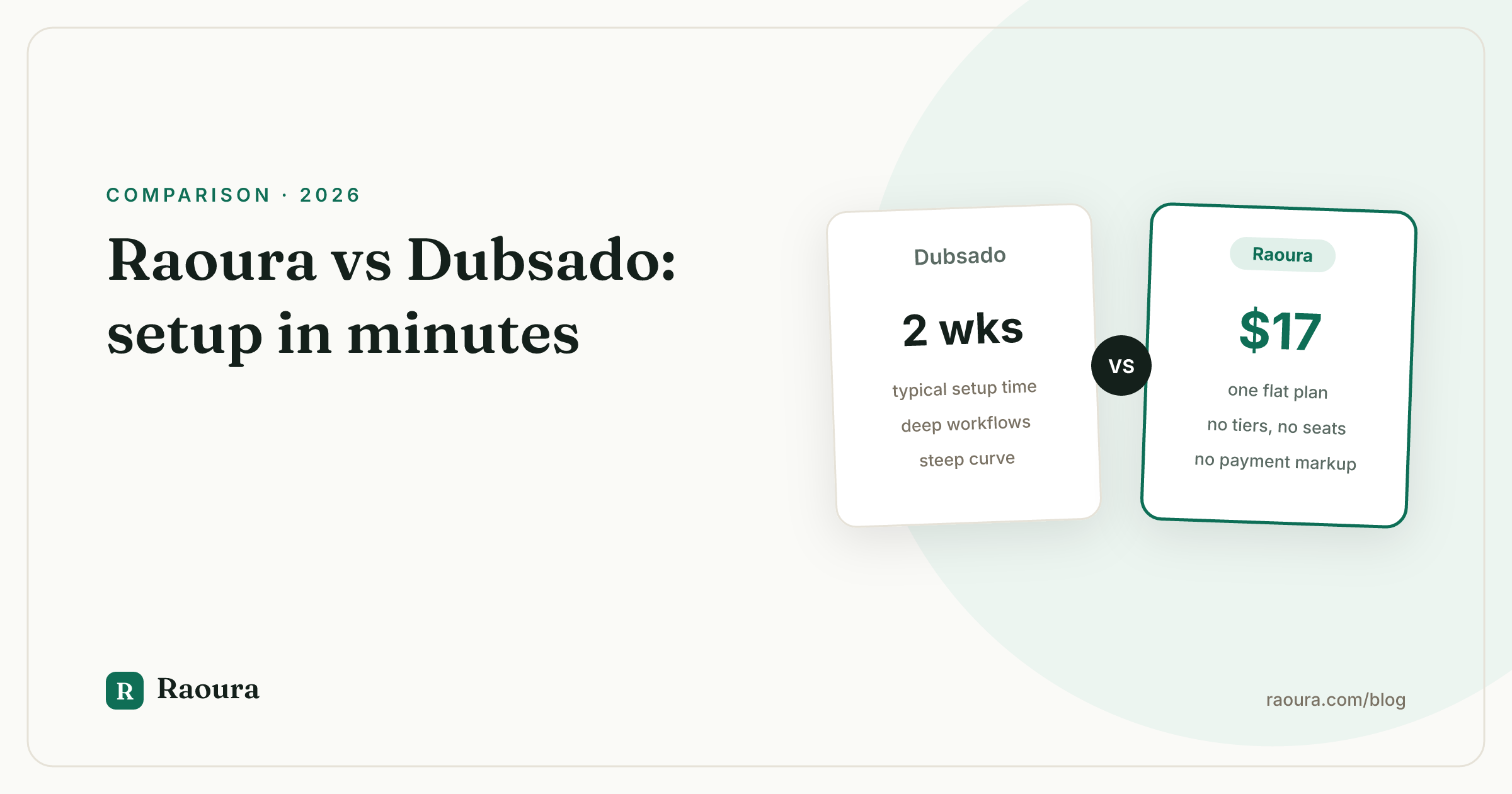
Raoura vs Dubsado (2026): the 10-minute setup vs the 2-week setup#
TL;DR verdict: Dubsado is the most customizable client management system a freelancer can buy, and that customization is exactly why full setups commonly take weeks and why a whole industry of paid Dubsado setup specialists exists. Raoura is the opposite bet: one flat $17 per month plan, no workflow builder to configure, and a first proposal out the door in your first session. Pick Dubsado if you are an established studio that will actually build and maintain complex automated workflows. Pick Raoura if you are a solo freelancer who wants proposals, contracts, invoices, projects, and a branded client portal working today.
Dubsado inspires real loyalty, and it earns it. No other tool in this category lets you customize forms, emails, and multi-step workflows as deeply. But ask any Dubsado user about their first month and you will hear the same story: the tool is powerful after you build it, and building it is a project in itself. This comparison takes that trade seriously instead of pretending either side is free.
Side-by-side comparison#
| Raoura | Dubsado | |
|---|---|---|
| **Pricing model** | One flat plan, $17/mo, everything included | Starter $200/yr or $20/mo, Premier $400/yr or $40/mo, 3 users included, extra brands $10/mo each, [as of mid-2026](https://www.dubsado.com/pricing) |
| **Free trial** | 14 days, no credit card required | Free trial capped by client count rather than days, [as of mid-2026](https://www.dubsado.com/pricing) |
| **Payment fees** | No transaction fee markup; only your processor's standard rates | Standard processor fees via connected payment providers |
| **Proposals** | Templates plus AI draft, or upload your own PDF | Highly customizable proposals and forms, built by you |
| **Contracts** | E-sign with name, timestamp, and IP audit record | E-sign contracts with customizable templates |
| **Invoicing** | Line items, tax, discounts, multi-currency, deposits, partial payments, payment plans, automatic overdue reminders | Strong invoicing with payment plans and reminders, configured per workflow |
| **Tax tools** | Tax fields on invoices only | Basic bookkeeping and P&L reporting |
| **Client portal** | Branded portal, magic-link login, brand matching from your website | Client portals with customizable branding |
| **Projects** | Projects with client-approvable milestones | Projects driven by workflows, forms, and statuses |
| **Learning curve** | Minutes; deliberately small surface | Steep; full setups commonly take weeks, paid specialists exist ([streamlinedcreative.com](https://streamlinedcreative.com/blog/why-is-dubsado-setup-so-hard/)) |
The setup gap is the whole story#
Here is the standalone fact this comparison hinges on: a basic Dubsado setup can take a focused weekend, and a full setup with multiple service types, custom workflows, and branded forms commonly takes two to four weeks, according to setup guides written by Dubsado's own specialist community, as of mid-2026.
That is not a bug report; it is the price of the product's depth. Dubsado hands you a workflow engine, a form builder, canned email templates, and scheduling triggers, then asks you to assemble your business process out of them.
Done well, the result is remarkable: leads get questionnaires automatically, contracts fire on booking, reminder emails send themselves. Done halfway, and halfway is where most solo freelancers stall, you get a tool you pay for monthly and quietly resent.
The certified specialist ecosystem is the proof. There is a genuine market of Dubsado Certified Specialists offering done-for-you setups that run from hundreds to thousands of dollars and take two to six weeks (streamlinedcreative.com, getzendo.io). When a product's onboarding supports an entire consulting industry, that tells you who the product is really for: businesses established enough to treat setup as an investment.
Raoura's setup, by contrast, is measured in minutes because there is nothing to assemble. You add a client, the brand matching tool pulls your logo and colors from your website to style your portal and documents, and you send a proposal from a template or an AI draft. There is no workflow builder because Raoura does not have workflows. That is a real limitation if you wanted automation, and a real relief if you wanted your Saturday back.

The minutes-not-weeks claim, on screen: this form is the whole distance between signing up and sending your first proposal.
Pricing: flat vs tiered, and what the tiers buy#
Raoura costs $17 per month, flat, with every feature included and no seat-based pricing. Dubsado's Starter plan runs $200 per year or $20 monthly, and Premier runs $400 per year or $40 monthly, with three users included on both plans, as of mid-2026.
Dubsado's pricing is honest and, for the category, fair. The catch for a solo freelancer is what separates the tiers: the automation engine (workflows and scheduling) largely lives on Premier. In other words, the feature that justifies Dubsado's famous setup effort is on the $40-a-month plan. Starter gets you forms, invoicing, and contracts without the machine that makes Dubsado special.
Dubsado also deserves credit for its trial structure: rather than a countdown clock, the free trial is capped by how many clients you run through it, as of mid-2026, which is a generous way to let people evaluate slowly. Raoura's trial is 14 days with no credit card required, so there is no auto-conversion and nothing to cancel. Different philosophies, both more customer-friendly than the industry norm.
Getting paid#
Both tools are strong here, with different centers of gravity.
Raoura invoicing supports line items, tax, discounts, multi-currency, deposits and partial payments, payment plans, and automatic overdue reminders, all included at $17 per month. Raoura adds no transaction fee markup; you pay only your payment processor's standard rates.
Overdue reminders are on by default thinking: the invoice chases itself so you never have to write the "just following up on this" email again.
Dubsado's invoicing is similarly capable, with payment plans and reminders that can be wired into workflows, so a booking can trigger a deposit invoice which triggers a contract which triggers a kickoff form. When that chain is built and tested, it is genuinely better than anything Raoura does, because it is automation rather than a feature.
The dependency is the recurring theme: it works after you build it.
Client experience#
Dubsado's client-facing surface is customizable to an unusual degree, and studios with strong brand opinions love it for that. The common criticisms are the ones that come with age: reviewers and alternative roundups regularly cite a dated interface and the lack of full mobile app parity, as of mid-2026.
Your clients will get a functional, brandable experience; whether it feels current depends on how much customization work you put in.
Raoura's client experience is opinionated instead of customizable. The portal is branded automatically via brand matching from your website, clients sign in with a magic link instead of creating a password, contracts carry a name, timestamp, and IP audit record, and project milestones are client-approvable, so approvals happen with a click in the portal rather than in an email thread. You give up pixel-level control and get a polished default in exchange.

Approvals without a workflow engine: each milestone shows its price and status, and your client approves it with a click.
Where Dubsado is genuinely better#
Be clear-eyed about this, because for the right user Dubsado is not just better, it is in a different sport.
- Workflow automation. Nothing in Raoura automates a lead-to-booked pipeline. Dubsado's workflows, triggers, and canned emails can run large parts of your client onboarding without you touching it. Raoura deliberately has no lead pipeline and no scheduling at all.
- Forms and questionnaires. Dubsado's form builder is the deepest in the category. If custom intake questionnaires, brand questionnaires, and feedback forms are core to your process, Dubsado wins decisively.
- Community and specialists. Dubsado has a loyal, established user community and a certified specialist ecosystem. If you get stuck, there are courses, templates for sale, and people to hire. Raoura is new and cannot offer that yet, and we will not pretend otherwise.
- Small teams. Dubsado includes three users on every plan, as of mid-2026. Raoura has no team seats at all; it is built for one person by design.
Who should pick which#
Pick Dubsado if:
- You are an established studio with repeatable service packages worth automating end to end
- Custom forms and questionnaires are central to how you onboard clients
- You have two or three collaborators who need access
- You are willing to invest a setup weekend at minimum, or budget for a certified specialist
- You want a loyal community and a large template marketplace around your tool
Pick Raoura if:
- You work alone and your process is proposal, contract, invoice, project, repeat
- You want to send your first client-facing document the same day you sign up
- You want deposits, payment plans, multi-currency, and automatic overdue reminders without configuring a workflow first
- You want one flat $17 per month price and a 14-day trial with no card on file
- You have already tried a heavyweight CRM and bounced off the setup
Frequently asked questions
Is Raoura easier to set up than Dubsado?
Yes, by design. Raoura setup takes minutes: add a client, let brand matching style your portal from your website, send a proposal. Full Dubsado setups commonly take two to four weeks, and paid setup specialists are a normal part of its ecosystem, as of mid-2026.
Is Raoura cheaper than Dubsado?
Raoura is $17 per month flat with all features included. Dubsado Starter is $20 per month (or $200 per year) and Premier, which carries the workflow automation, is $40 per month (or $400 per year), as of mid-2026.
Does Raoura have workflows like Dubsado?
No. Raoura has no workflow builder, no lead pipeline, no scheduling, and no team seats. It covers proposals, e-sign contracts, invoicing, projects with client-approvable milestones, and a branded client portal. If automated workflows are your priority, Dubsado is the better tool.
Can I move my Dubsado clients into Raoura?
Dubsado lets you export clients and projects as CSV files (Dubsado Help Center). Raoura has no automated importer yet, but client entry is quick and built to work alongside an open CSV. See our full Dubsado migration guide.
Who is Dubsado actually for, honestly?
Established service businesses, often two to three people, with stable packages and processes worth automating. If that is you, Dubsado's depth pays for its setup cost. If you are a solo freelancer whose process still changes month to month, that same depth becomes overhead.
The 10-minute test#
You do not need to take a verdict on faith. Start Raoura's 14-day free trial at raoura.com, no credit card required, and time yourself: client added, portal branded, proposal sent. If it takes more than one coffee, we did something wrong.
Run your client work in one place
Send a proposal, get it signed, invoice, and get paid, with a branded portal your clients will actually use. One flat plan at $17/month, and we never take a cut of your payments.
Try Raoura free for 14 daysNo credit card required. Set up in minutes.
Keep reading
Is Upwork Worth It in 2026? A Break-Even Test for Your Situation
Upwork is worth it when its fee costs less than finding the client yourself, and that is true far more often for a first project than for a repeat client. Here is the break-even math with 2026 numbers: the 0 to 15% fee, Connects, the shrinking client base, and when to wait out the 24-month rule instead of paying to leave.
The Virtual Assistant Contract: 24 Clauses, Scored Against Every Template Ranking for This Search
We scored the four pages that publish actual virtual assistant contract text against 24 clauses a VA agreement needs. Twenty-four of 96 possible slots were filled. The best single template managed 7 out of 24. Twelve clauses appear in none of them, including every clause about the thing that makes VA work different from other freelance work: you are holding your client's passwords and running their inbox. One popular template also tells you a contract fixes your independent contractor status, then mandates client-set 9 to 5 weekday hours in the same document. Here is the clause-by-clause version, with the classification test the DOL is actually applying in 2026, the data protection terms nobody drafts, and the retainer mechanics that decide whether unused hours roll over.
Stripe vs PayPal for Freelancers: Every Fee Verified (2026)
Every page ranking for this comparison either prints in-person retail rates, contradicts itself, or skips the numbers freelancers actually pay. We read the current Stripe and PayPal pricing pages line by line, ran a $3,000 invoice through every rail, and found a $1,764 per year gap between the cheapest setup and the default one.